Gift icon
캐릭터 에셋 워크플로

만화, 애니, 게임 캐릭터 에셋용 AI 레이어 분리기

완성도 높은 캐릭터 이미지 한 장을 업로드해 애니메이션 블로킹, 게임 스프라이트 준비, Live2D 기획, 모션 코믹스, 빠른 크리에이티브 수정에 활용할 수 있는 읽기 쉬운 파츠 시트로 바꿔보세요.

평면 이미지에서 제작용 시트까지

캐릭터 레이어를 위한 실전 워크플로

AI Layer Splitter를 첫 제작 패스로 활용하세요. 어떤 파츠가 분리 가능한지 먼저 확인하고, 시트를 검토한 뒤 애니메이션, 게임 아트, 편집 툴로 넘길 수 있습니다.

  1. 1

    깔끔한 이미지 한 장으로 시작

    전체가 보이는 캐릭터 아트, 마스코트 아트, 애니 키비주얼, 게임 콘셉트, 소품, 제품형 일러스트처럼 가장자리가 잘 보이는 이미지를 사용하세요.

  2. 2

    첫 시트 생성

    Quick Mode는 머리카락, 얼굴, 의상, 손, 소품, 신발, 액세서리를 한눈에 점검할 수 있는 빠른 시각적 체크포인트를 제공합니다.

  3. 3

    가치가 있을 때만 업그레이드

    PRO Mode는 첫 시트에서 원본의 구조가 충분히 읽히고, 프로젝트에 더 정교한 모델 패스가 필요할 때 가장 적합합니다.

  4. 4

    안심하고 핸드오프

    다운로드한 시트를 모션 블로킹, 리깅 기획, 스프라이트 레퍼런스, 리페인팅, 크리에이티브 합성에 활용하세요.

목표는 막연한 AI 데모가 아니라, 실제로 검토 가능한 제작 시작점입니다.

Image layer search terms

A clearer path from flat image to editable layer assets

These workflows describe the same core need in slightly different search language: turning one finished image into separated visual parts that are easier to review, edit, animate, or rebuild.

image to layers

Turn one image to layers for production review

Image to layers means starting from one flat artwork file and creating a readable sheet of separated visual parts. AI Layer Splitter is built for this first-pass workflow: upload a cartoon character, game hero, anime design, product graphic, or mascot, then inspect foreground, background, objects, text, clothing, props, and accessories in one result.

  • Best for clean illustrations, graphic designs, product shots, and character art.
  • Useful before manual cleanup in Photoshop, Figma, Procreate, After Effects, or a game pipeline.

image layer separator

Use an image layer separator before detailed editing

An image layer separator helps designers and animators identify which parts of a source image can become editable assets. Instead of redrawing every element from scratch, teams can generate an asset sheet, compare the original with the separated result, and decide whether the source needs cropping, cleanup, Quick Mode, or a PRO pass.

  • Separate background, subjects, visible objects, text, and props automatically.
  • Preserve layout intent so the sheet still matches the source composition.

image separate layers

Create an image separate layers sheet for games and animation

Image separate layers searches usually come from creators who need practical assets, not just a background remover. AI Layer Splitter produces a downloadable sheet that can guide sprite prep, rig planning, motion comics, e-commerce edits, sticker variants, and character handoff. It works best when one clear subject has visible edges and minimal overlap.

  • Review character parts, accessories, equipment, and environment pieces side by side.
  • Use the sheet as a production reference before rebuilding final editable files.
레이어 제작 파이프라인

이미지 한 장을 파츠로 바꾸고,이후 모션 가능한 에셋으로 확장하세요

좋은 분리 시트는 팀이 필요한 기획용 레이어를 제공합니다. 원본 이미지, 보이는 파츠 분리, 읽기 쉬운 에셋 시트, 그리고 애니메이션·게임·편집으로 이어지는 핸드오프 경로까지 한 번에 확보할 수 있습니다.

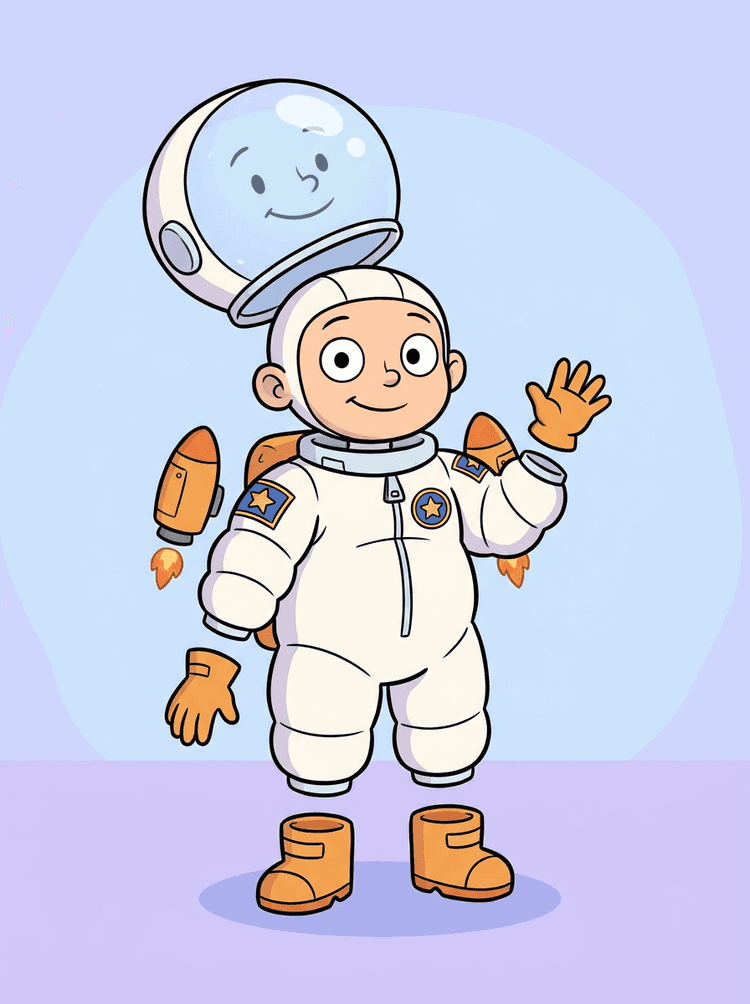
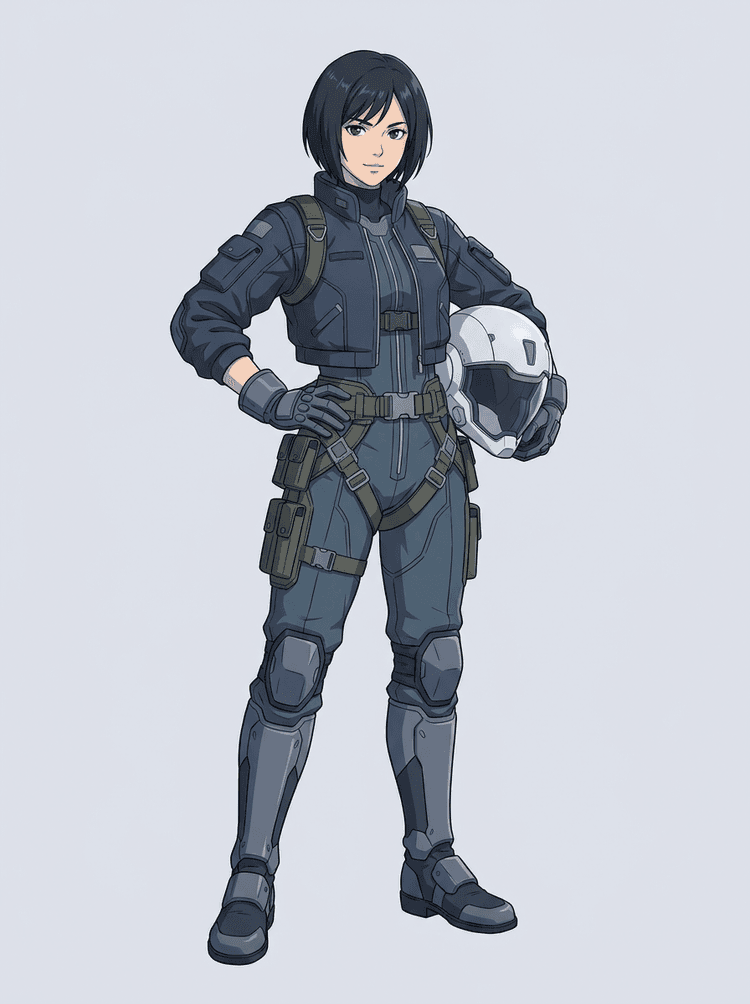
원본 이미지
파츠 맵
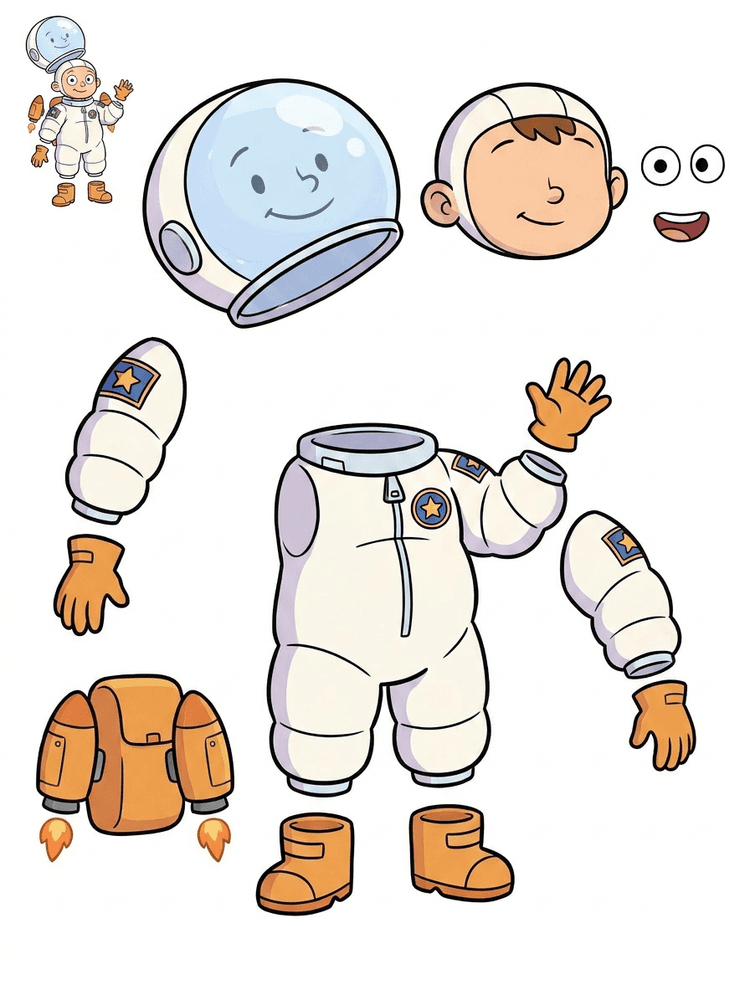
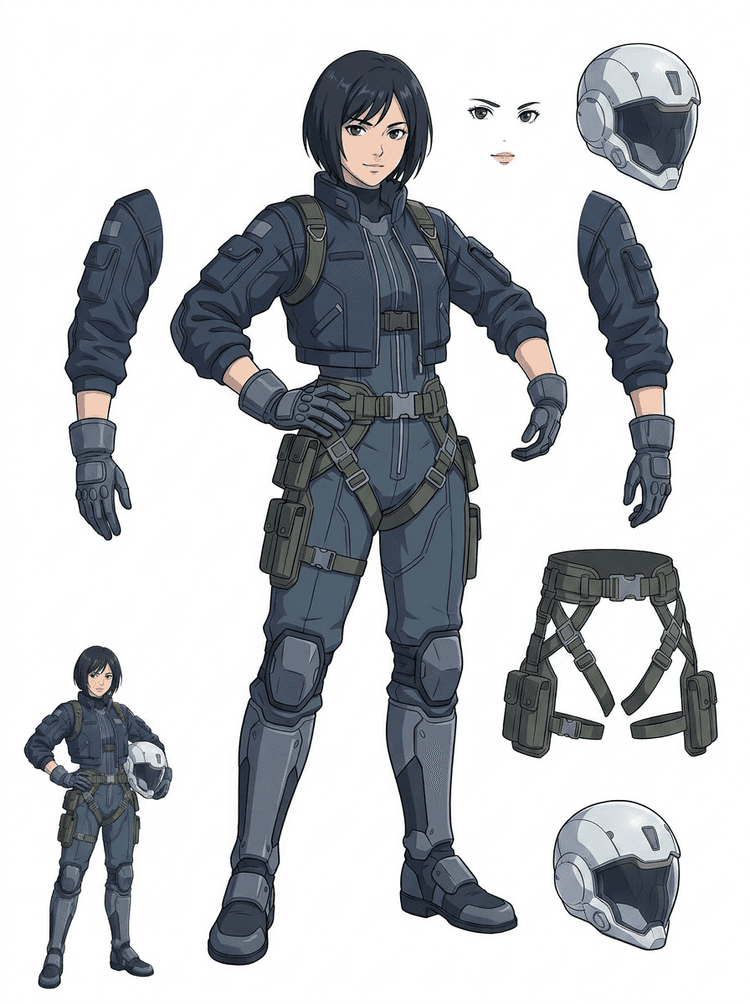
에셋 시트
핸드오프
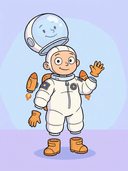
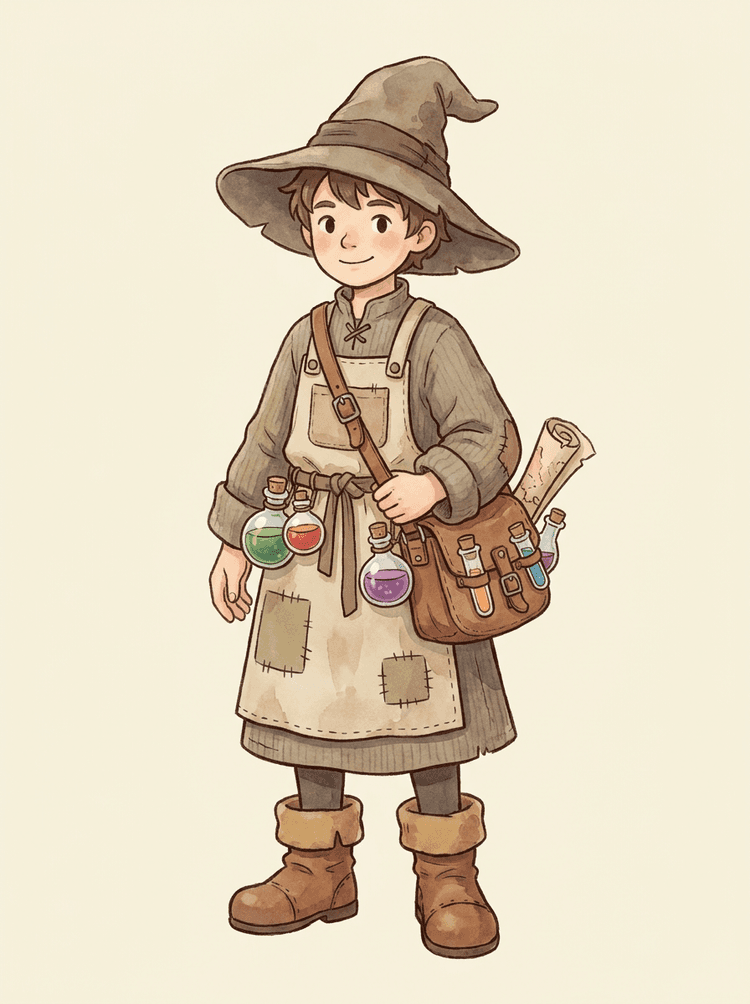
만화 마스코트를 표정이 살아 있는 머리, 손, 신발, 꼬리, 의상, 소품, 브랜드 액세서리로 분리할 수 있습니다.
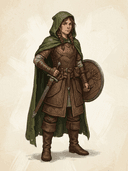
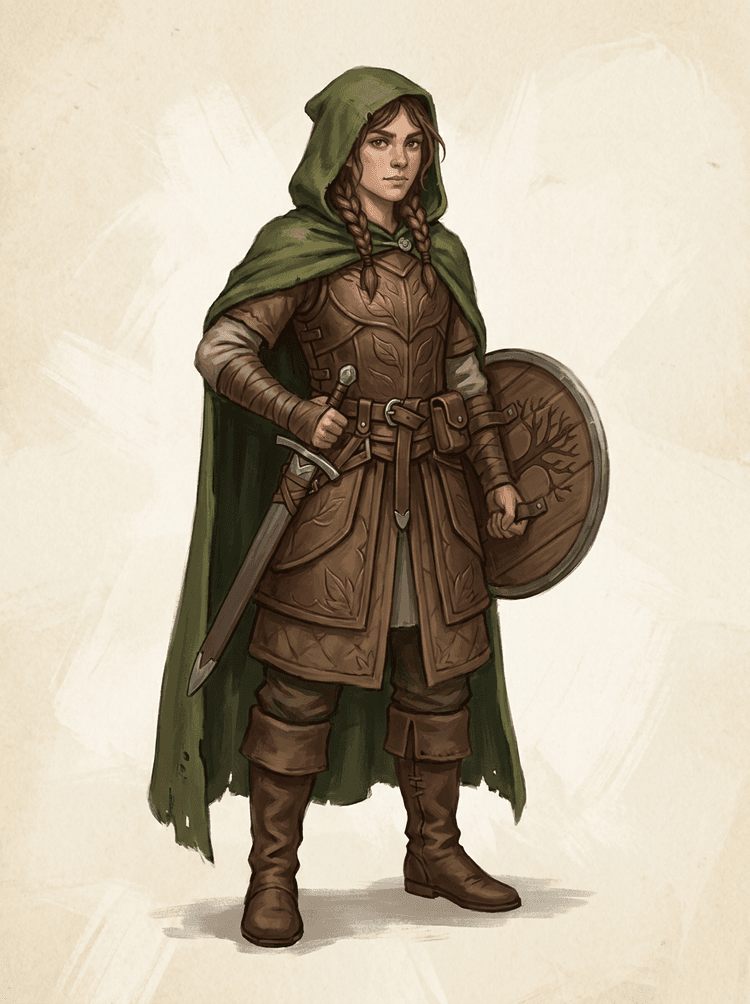
게임 캐릭터 콘셉트를 스프라이트, UI 초상화, 인벤토리 소품, 장비 변형, 애니메이션 테스트용 실전 레퍼런스로 나눌 수 있습니다.
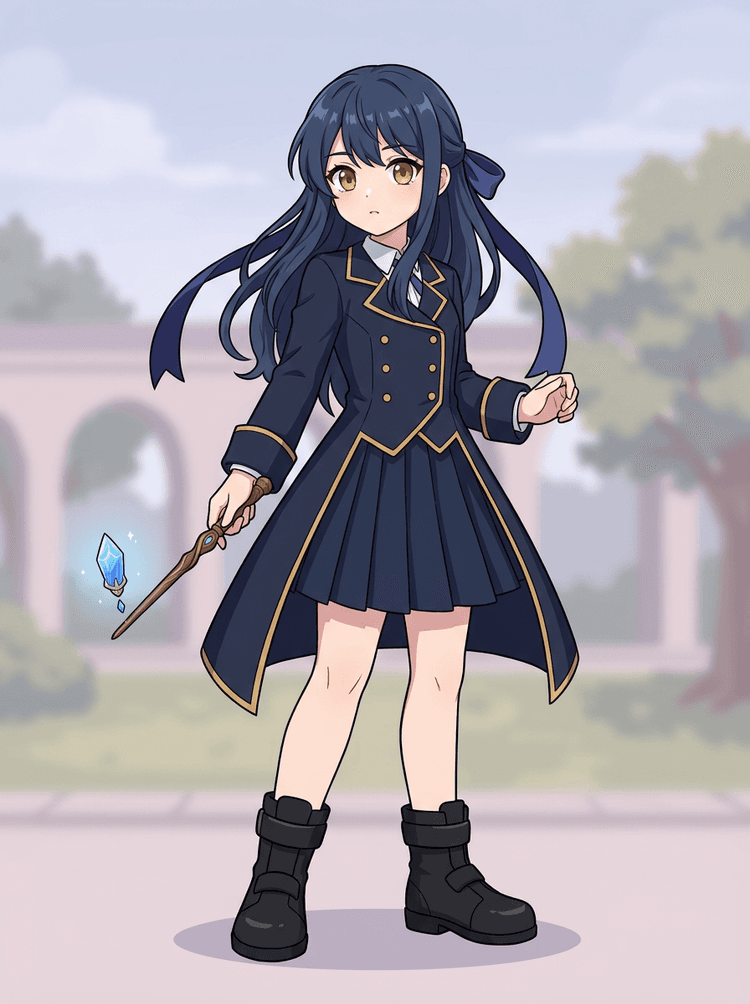
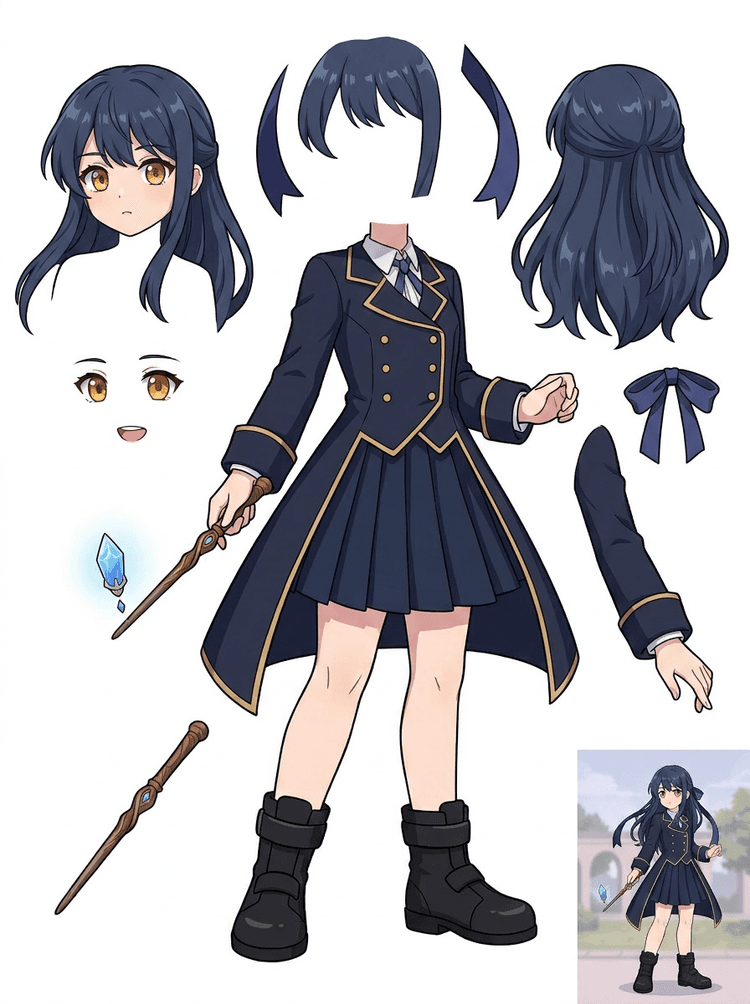
애니 스타일 캐릭터를 얼굴, 머리카락, 의상, 리본, 헬멧, 장갑, 부츠, 소품 수정에 맞게 처음부터 다시 만들지 않고 준비할 수 있습니다.
첫 시트를 통해 본격 작업 전에 원본 정리, 크롭 조정, 또는 PRO 패스가 필요한지 판단할 수 있습니다.
레이어 시트 만들기
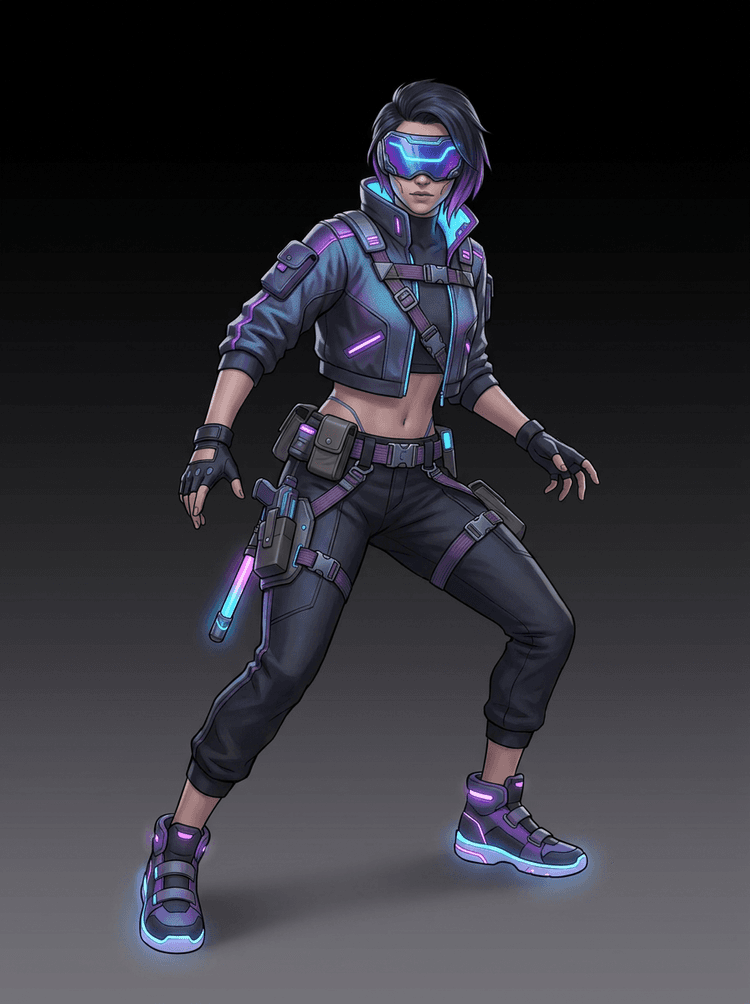
사이버펑크 게임 캐릭터가 제작용 파츠로 분리되는 AI 레이어 분리 파이프라인

AI Layer Splitter FAQ

AI Layer Splitter는 무엇인가요?

AI Layer Splitter는 하나의 평면 이미지를 애니메이션, 게임 아트, 모션 코믹스, 편집 워크플로에 활용할 수 있도록 보이는 캐릭터 파츠를 분리한 읽기 쉬운 에셋 시트로 바꿔주는 도구입니다.

어떤 이미지가 가장 잘 작동하나요?

깔끔한 일러스트 피사체가 가장 적합합니다. 만화 마스코트, 애니 캐릭터, 게임 캐릭터, 소품, 그리고 머리카락, 의상, 팔다리, 신발, 무기, 가방, 꼬리, 액세서리가 보이는 전신 디자인이 좋은 예입니다.

만화 캐릭터에도 사용할 수 있나요?

네. 만화 캐릭터와 마스코트는 가장 잘 맞는 활용 사례 중 하나입니다. 외곽선, 소품, 의상, 손, 신발, 얼굴 파츠가 비교적 분명해 유용한 시트로 만들기 쉽습니다.

게임 캐릭터와 스프라이트 작업에도 쓸 수 있나요?

네. 게임 팀은 생성된 시트를 스프라이트 레퍼런스, 포즈 변형, 인벤토리 아이콘, 장비 수정, UI 초상화, 애니메이션 블로킹의 시작점으로 활용할 수 있습니다.

애니 캐릭터에도 사용할 수 있나요?

네. 원본 이미지가 깔끔하다면 애니 스타일 캐릭터도 머리카락, 얼굴, 의상, 리본, 장갑, 부츠, 소품, 헬멧, 액세서리 레퍼런스로 분리할 수 있습니다.

Quick Mode와 PRO Mode의 차이는 무엇인가요?

Quick Mode는 빠르게 검토할 수 있는 에셋 시트를 생성합니다. PRO Mode는 원본 이미지가 충분히 읽기 쉬우며 더 높은 품질의 결과가 필요할 때, 업그레이드된 모델로 더 깔끔한 분리를 수행합니다.

모든 이미지가 완벽하게 분리되나요?

아니요. 매우 복잡한 장면, 가려진 신체 파츠, 겹친 피사체, 스케치 자국, 강한 그림자, 잘린 팔다리, 아주 작은 액세서리는 원본 정리나 수동 보정이 필요할 수 있습니다.

결과물을 상업적으로 사용할 수 있나요?

생성된 결과물은 사용 중인 LlamaGen 플랜과 약관에 따라 활용할 수 있습니다. 또한 업로드한 원본 이미지에 대한 권리도 직접 보유하고 있어야 합니다.

Can I use it for game characters and sprites?

Yes. AI Layer Splitter for game assets can turn clean character concepts into a starting point for sprite references, pose variants, inventory icons, equipment edits, UI portraits, and animation blocking.

Can I use it for anime characters?

Yes. Anime-style characters can be split into visible hair, face, outfit, ribbon, glove, boot, prop, helmet, and accessory references when the source image is clean.

What is the difference between Quick Mode and PRO Mode?

Quick Mode creates a fast reviewable asset sheet. PRO Mode uses an upgraded model for cleaner separation when the source image is readable and the project needs a higher-quality pass.

Will every image split perfectly?

No. Very crowded scenes, hidden body parts, overlapping subjects, sketch marks, heavy shadows, cropped limbs, or tiny accessories may still need source cleanup or manual finishing.

Can I use the result commercially?

You can use generated outputs according to your LlamaGen plan and terms. Make sure you also have the rights to the source image you upload.


이제 분리할 차례

캐릭터 이미지 한 장을 제작용 파츠로 바꿔보세요

미리 불러온 샘플로 시작하고, 직접 만화·애니·게임 캐릭터를 업로드해 몇 분 안에 검토 가능한 레이어 시트를 만들어보세요.