A clearer path from flat image to editable layer assets
These workflows describe the same core need in slightly different search language: turning one finished image into separated visual parts that are easier to review, edit, animate, or rebuild.
image to layers
Turn one image to layers for production review
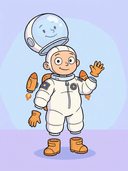
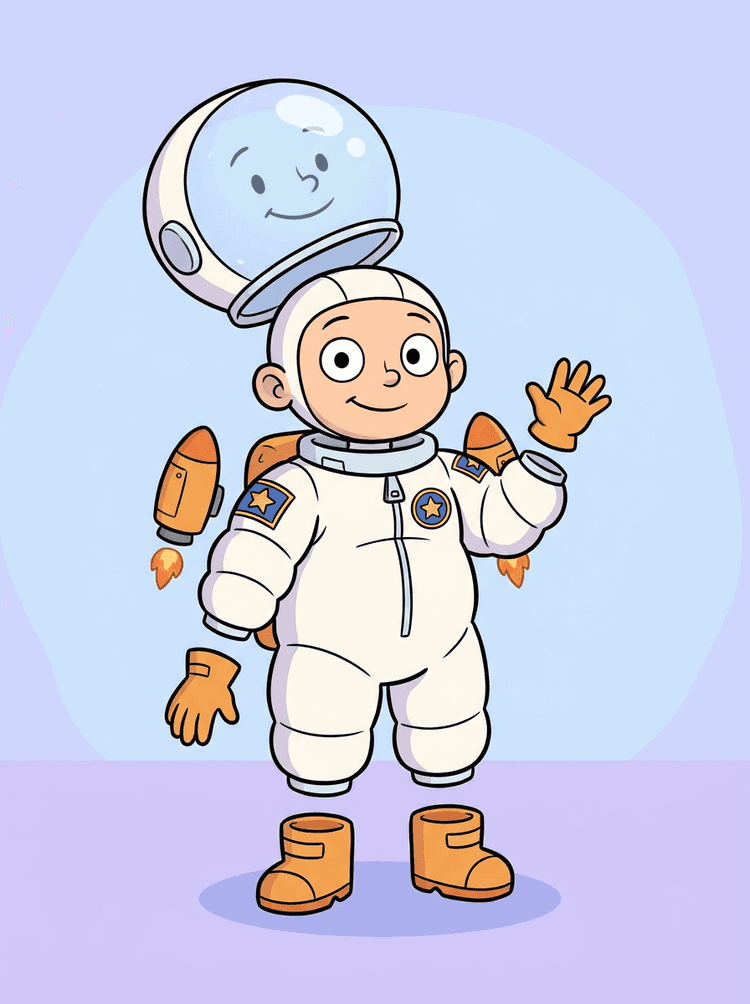
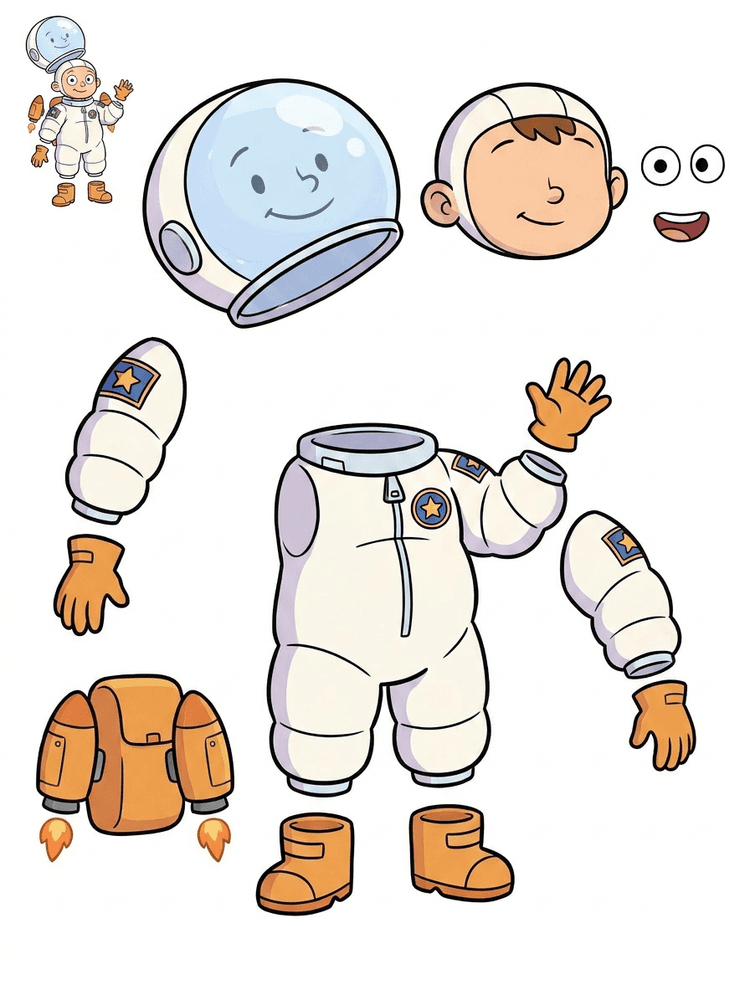
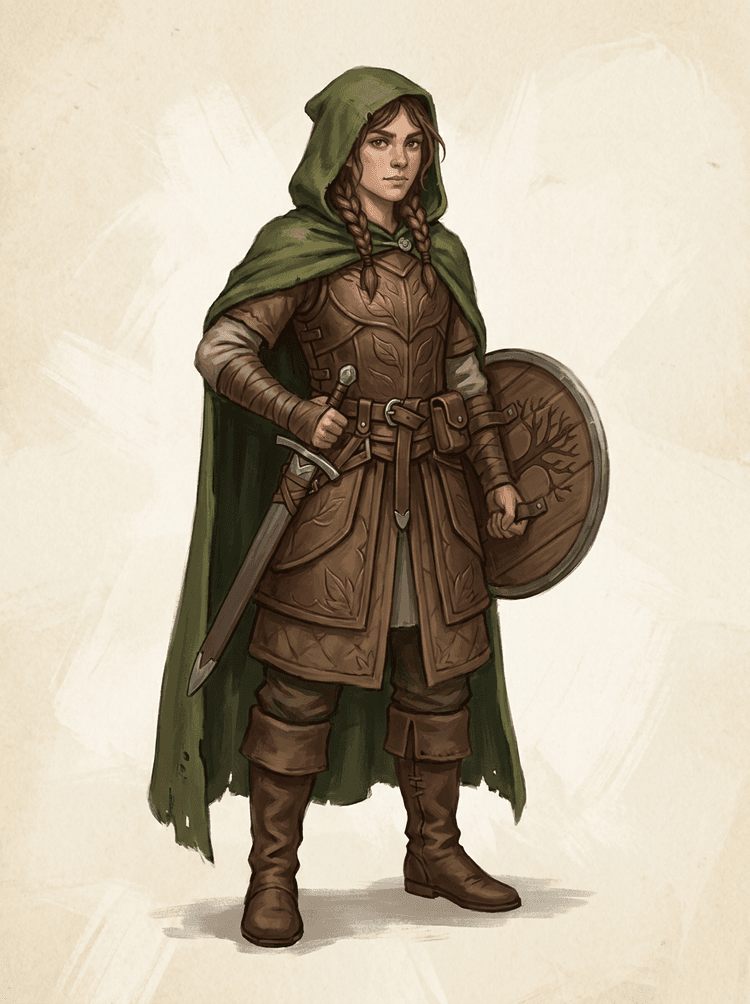
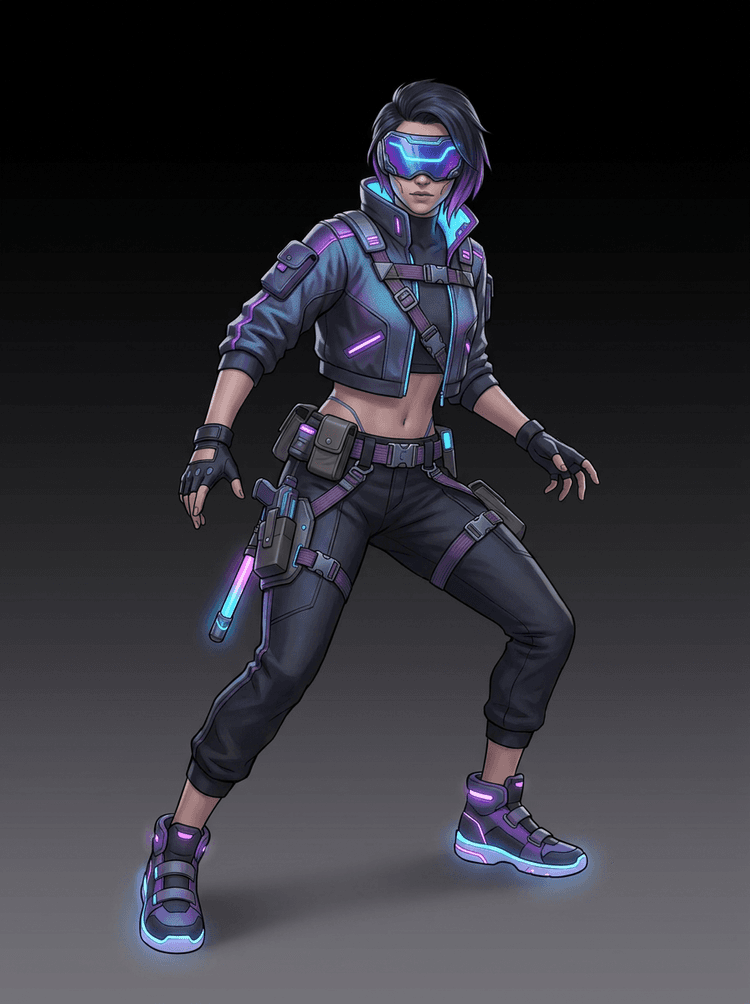
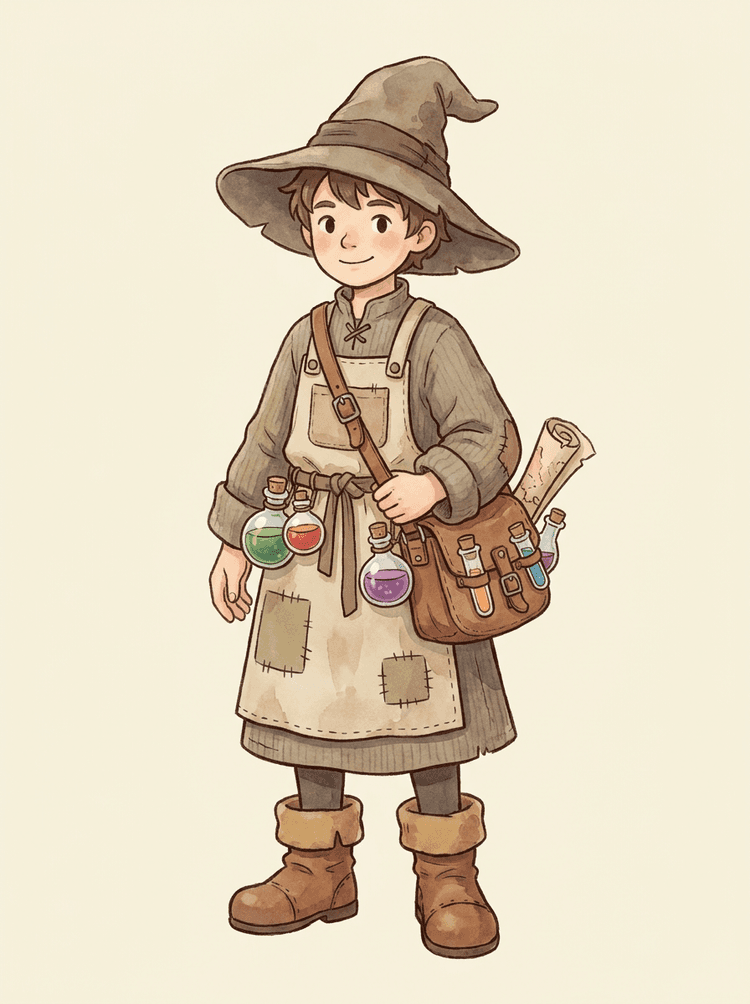
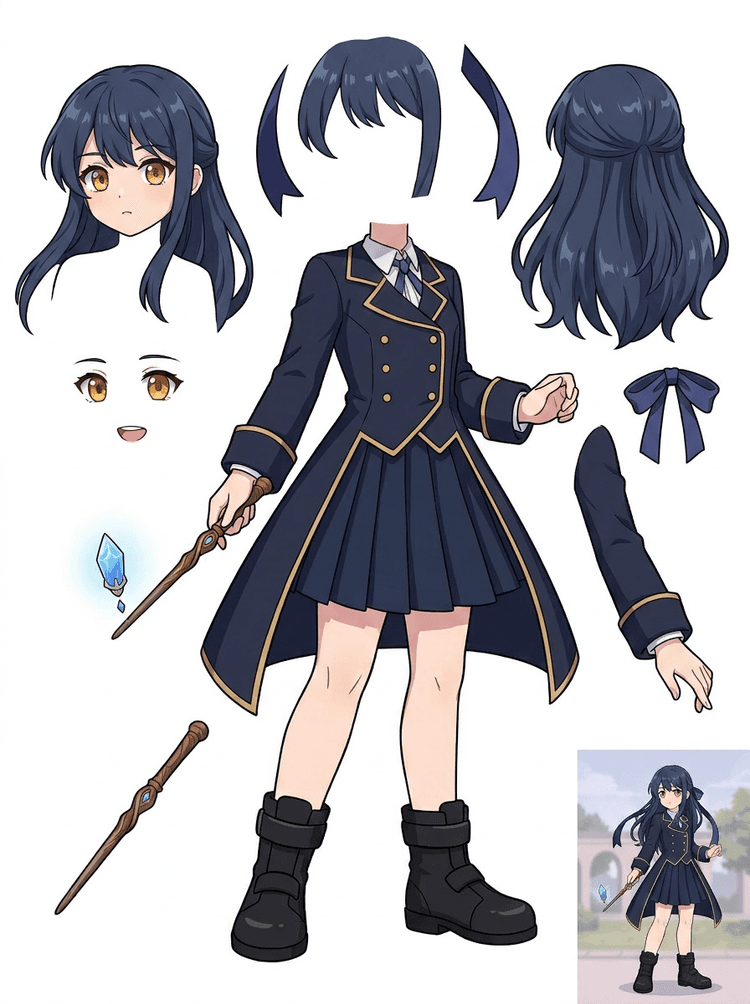
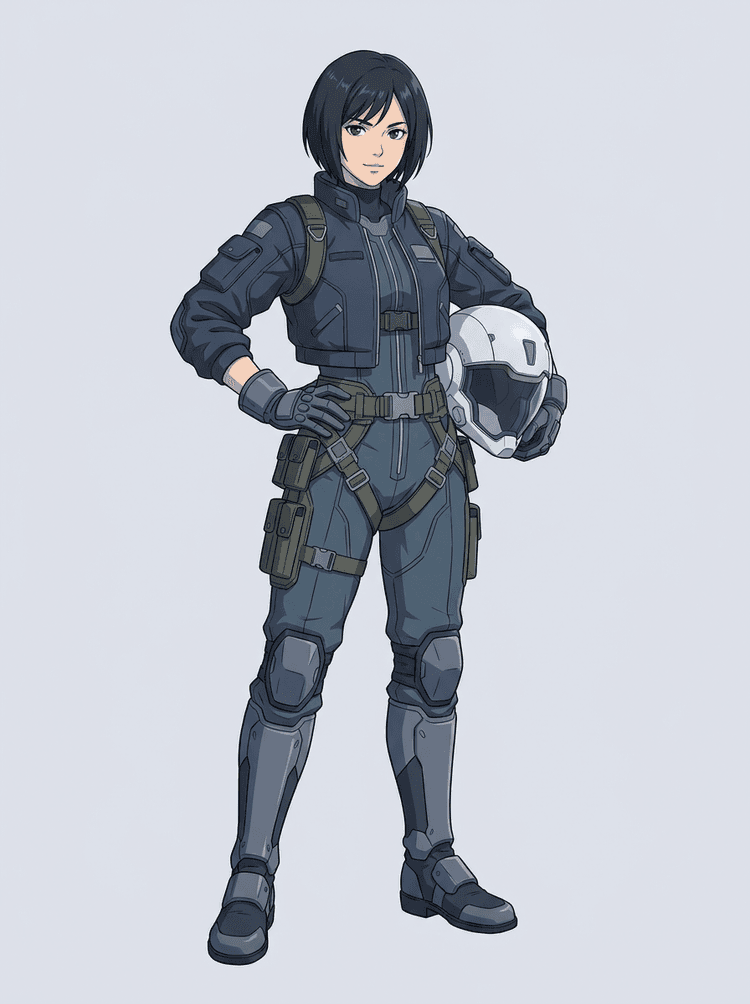
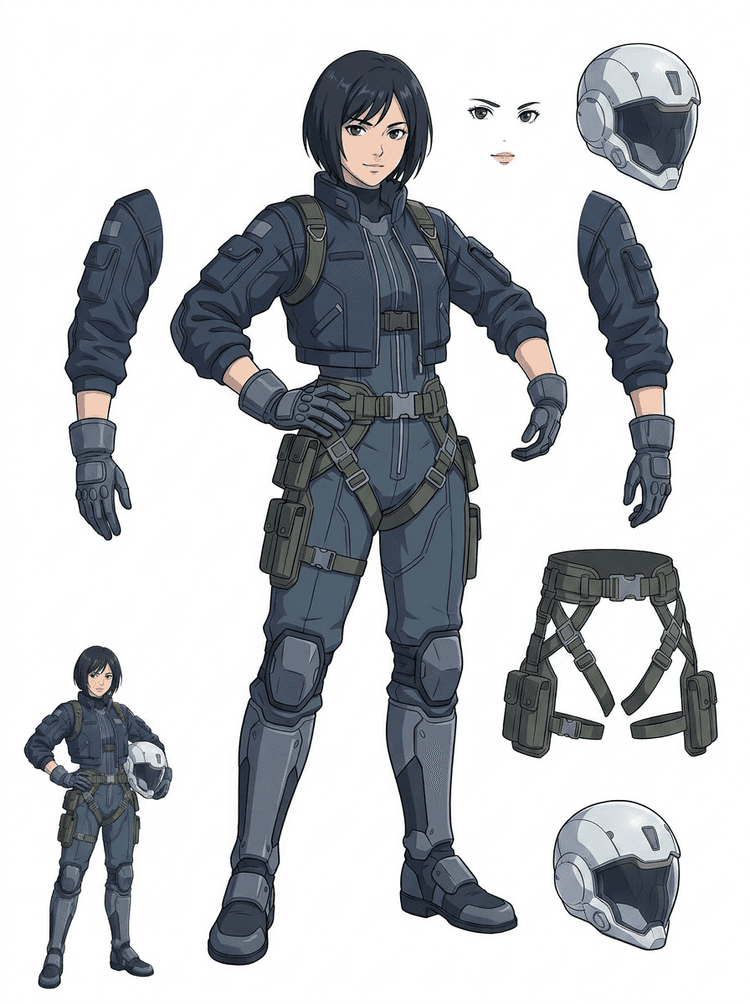
Image to layers means starting from one flat artwork file and creating a readable sheet of separated visual parts. AI Layer Splitter is built for this first-pass workflow: upload a cartoon character, game hero, anime design, product graphic, or mascot, then inspect foreground, background, objects, text, clothing, props, and accessories in one result.
Best for clean illustrations, graphic designs, product shots, and character art.
Useful before manual cleanup in Photoshop, Figma, Procreate, After Effects, or a game pipeline.
image layer separator
Use an image layer separator before detailed editing
An image layer separator helps designers and animators identify which parts of a source image can become editable assets. Instead of redrawing every element from scratch, teams can generate an asset sheet, compare the original with the separated result, and decide whether the source needs cropping, cleanup, Quick Mode, or a PRO pass.
Separate background, subjects, visible objects, text, and props automatically.
Preserve layout intent so the sheet still matches the source composition.
image separate layers
Create an image separate layers sheet for games and animation
Image separate layers searches usually come from creators who need practical assets, not just a background remover. AI Layer Splitter produces a downloadable sheet that can guide sprite prep, rig planning, motion comics, e-commerce edits, sticker variants, and character handoff. It works best when one clear subject has visible edges and minimal overlap.
Review character parts, accessories, equipment, and environment pieces side by side.
Use the sheet as a production reference before rebuilding final editable files.
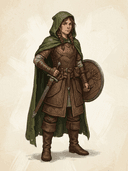
Yes. AI Layer Splitter for game assets can turn clean character concepts into a starting point for sprite references, pose variants, inventory icons, equipment edits, UI portraits, and animation blocking.
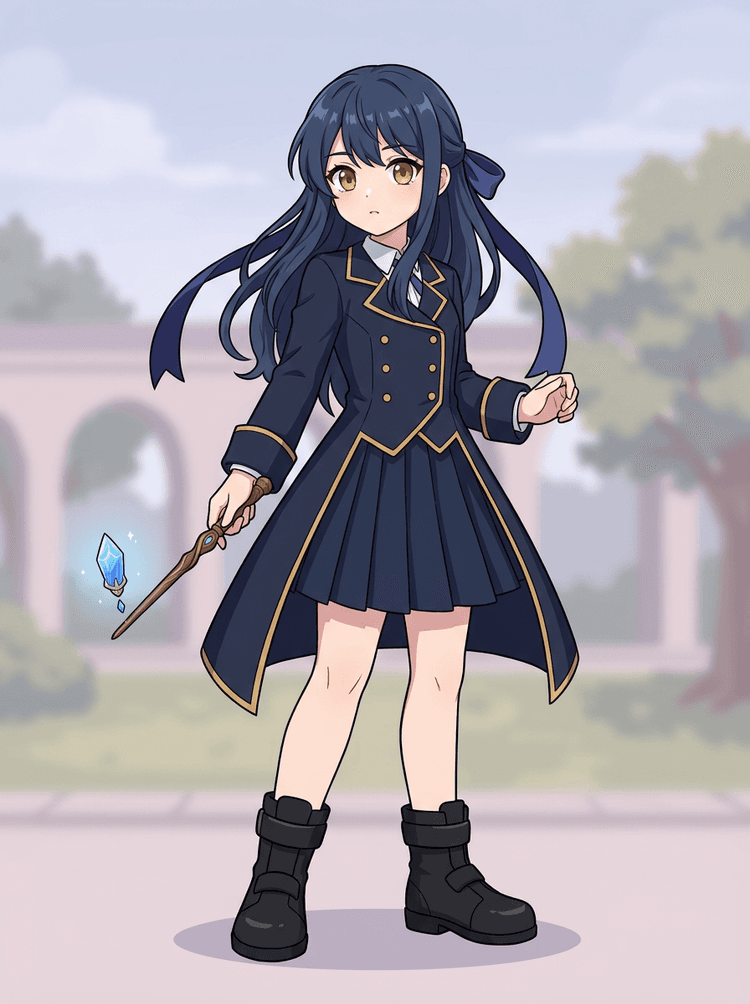
Can I use it for anime characters?
Yes. Anime-style characters can be split into visible hair, face, outfit, ribbon, glove, boot, prop, helmet, and accessory references when the source image is clean.
What is the difference between Quick Mode and PRO Mode?
Quick Mode creates a fast reviewable asset sheet. PRO Mode uses an upgraded model for cleaner separation when the source image is readable and the project needs a higher-quality pass.
Will every image split perfectly?
No. Very crowded scenes, hidden body parts, overlapping subjects, sketch marks, heavy shadows, cropped limbs, or tiny accessories may still need source cleanup or manual finishing.
Can I use the result commercially?
You can use generated outputs according to your LlamaGen plan and terms. Make sure you also have the rights to the source image you upload.