AI Layer Splitter کیا ہے؟
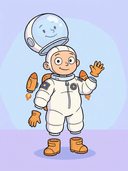
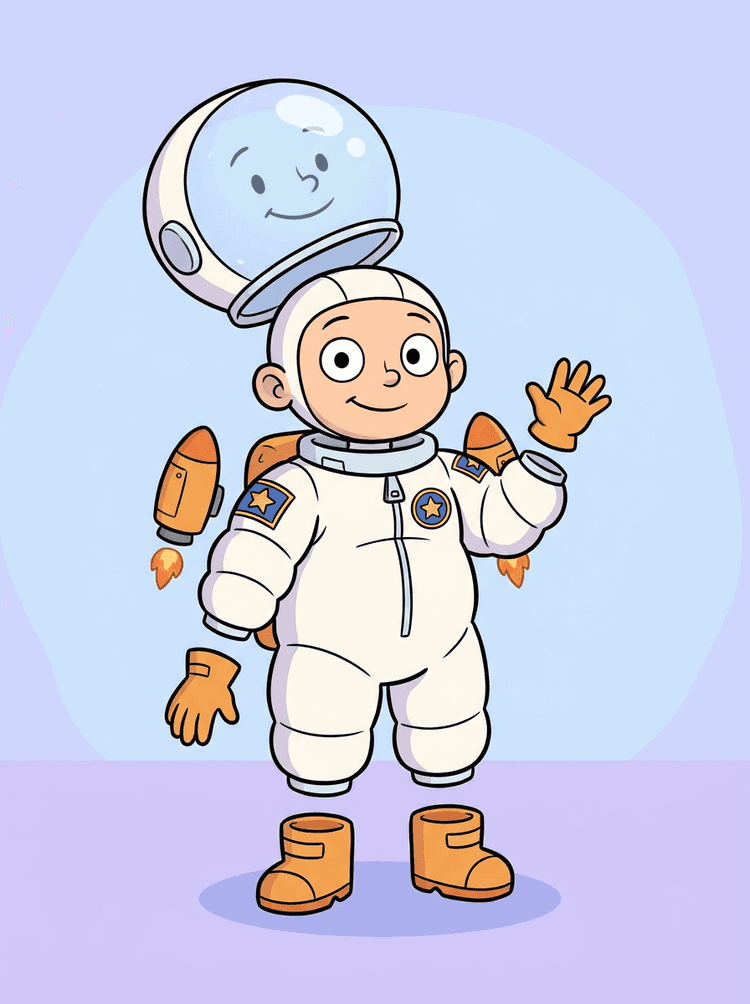
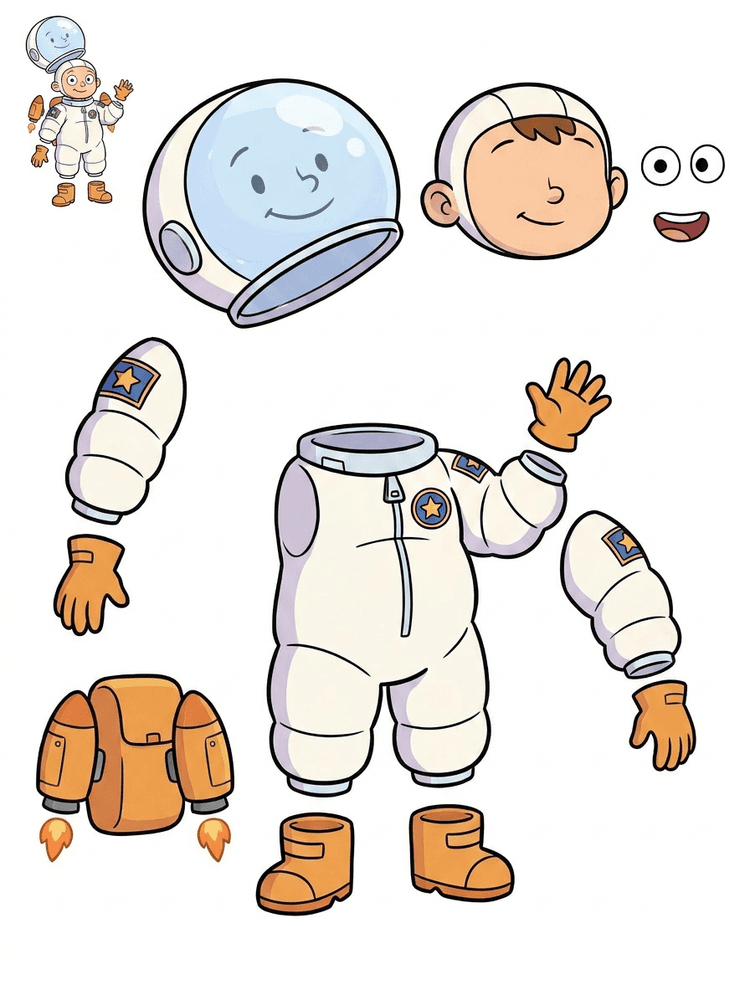
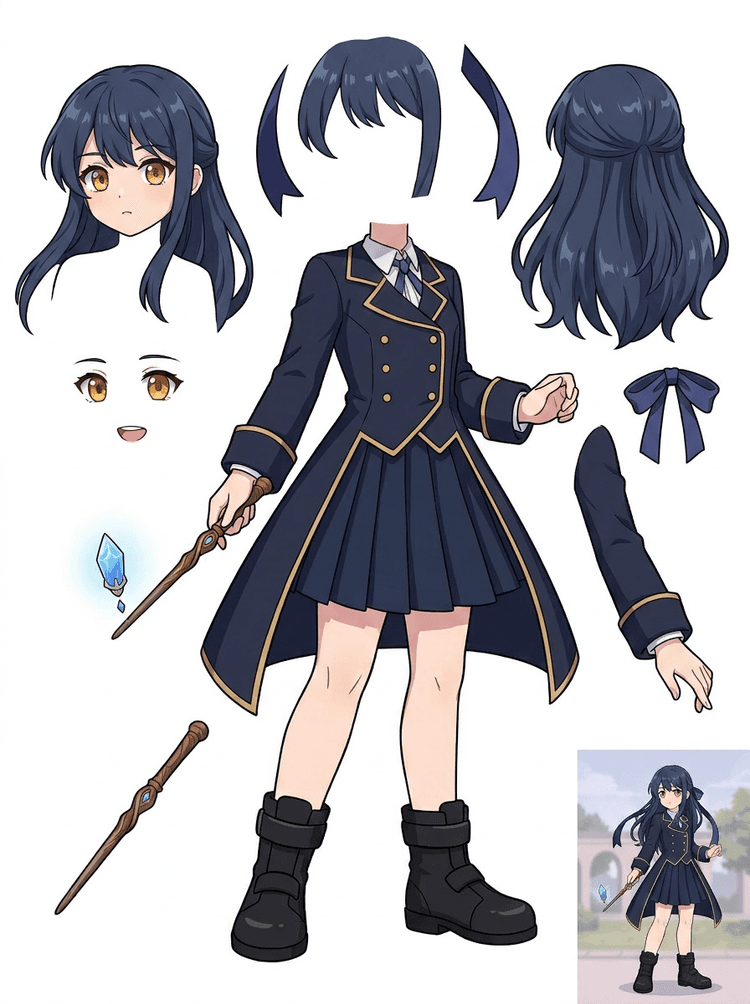
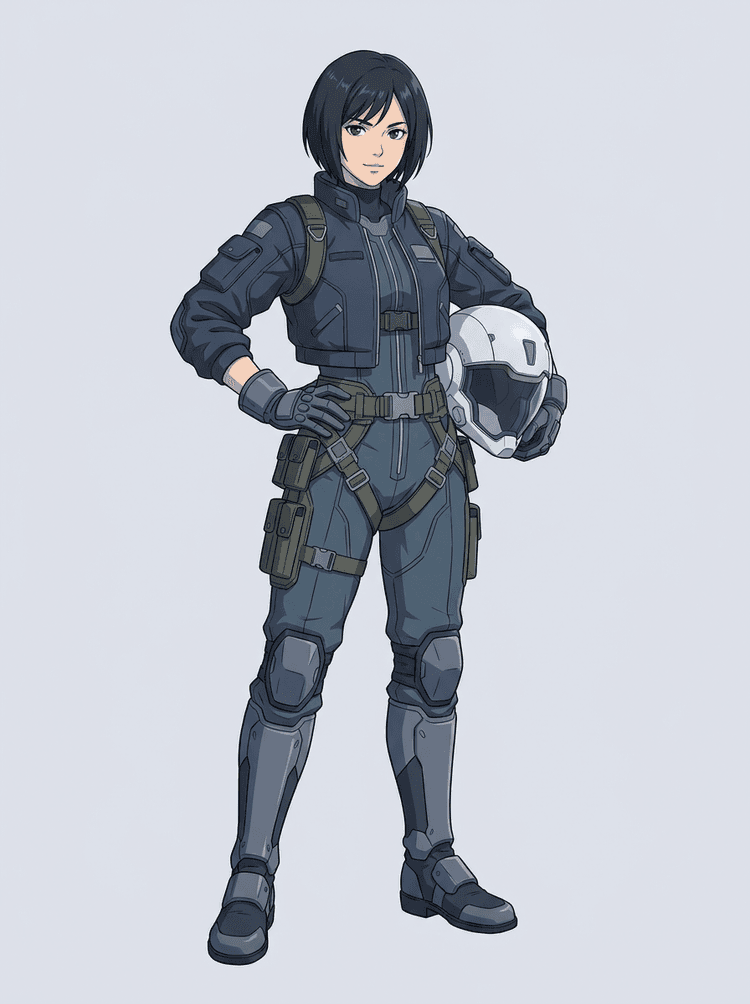
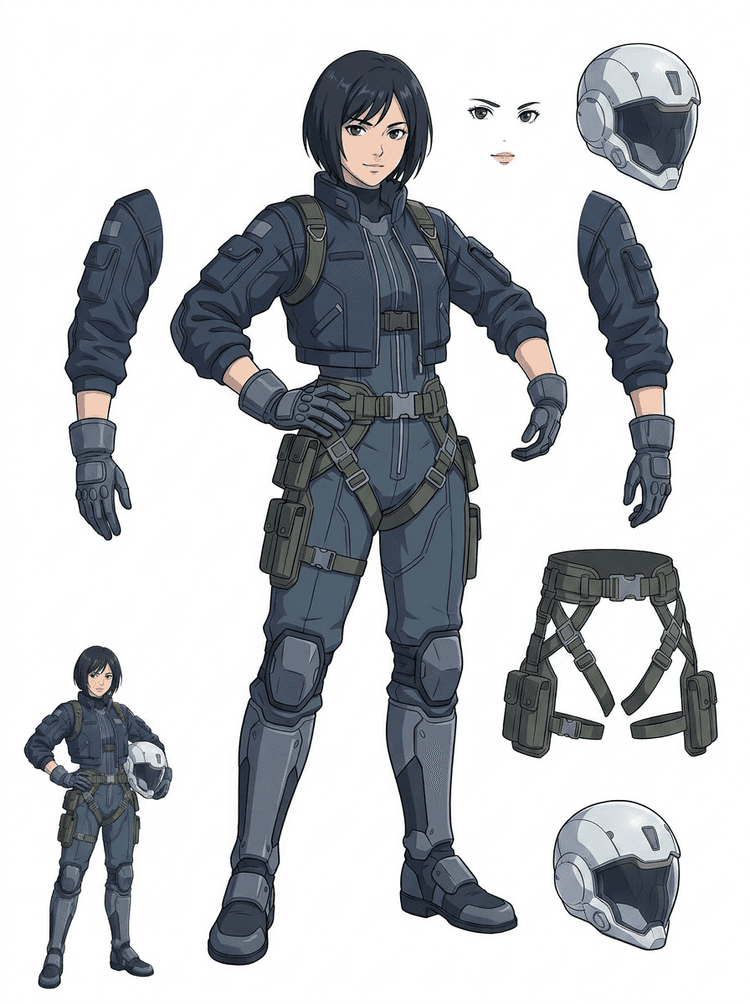
AI Layer Splitter ایک single flat image کو ایسی readable asset sheet میں بدلتا ہے جس میں visible character parts animation، game art، motion comics اور editing workflows کے لیے الگ کیے گئے ہوں۔
کس قسم کی تصاویر بہترین کام کرتی ہیں؟
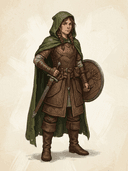
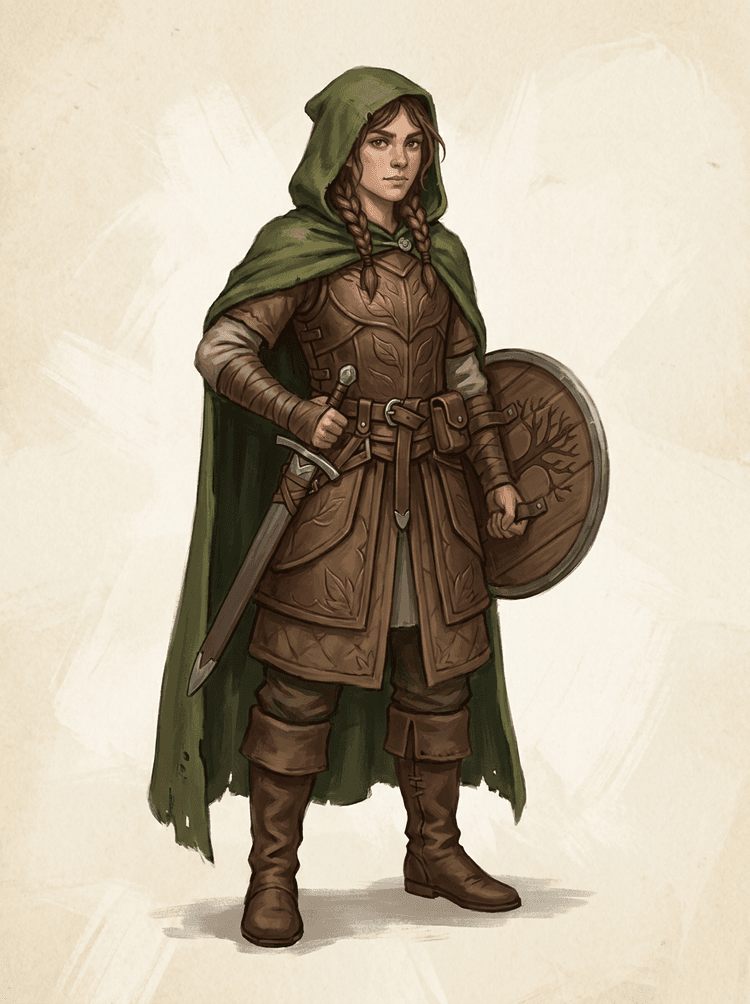
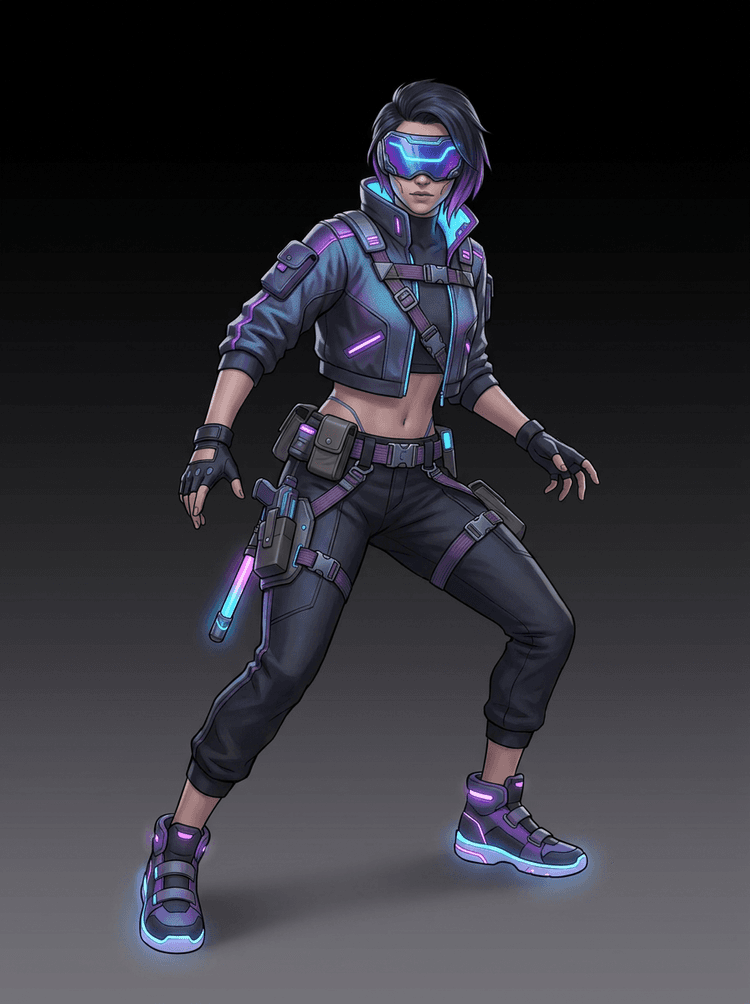
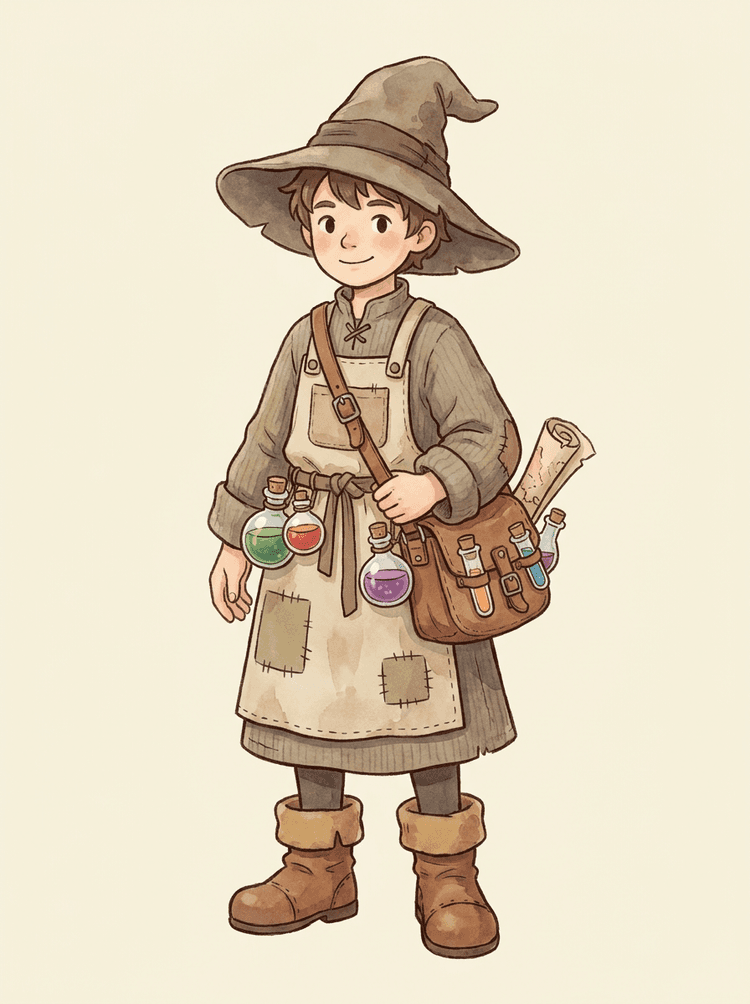
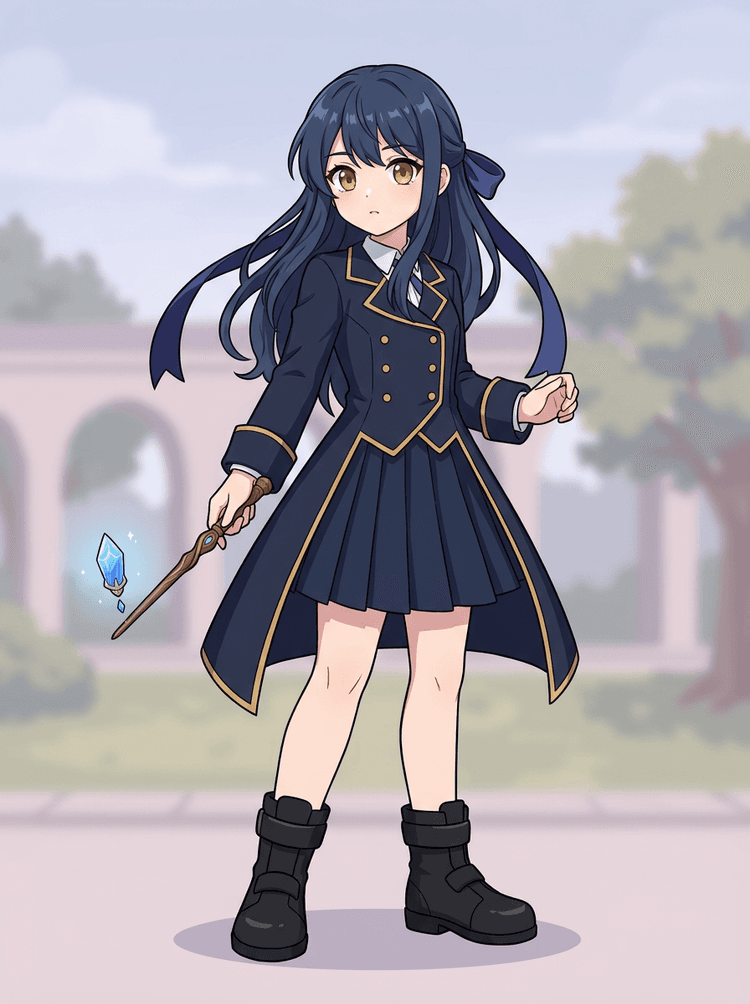
صاف illustrated subjects بہترین رہتے ہیں: cartoon mascots، anime characters، game characters، props اور full-body designs جن میں hair، clothing، limbs، shoes، weapons، bags، tails یا accessories واضح نظر آئیں۔
کیا میں اسے cartoon characters کے لیے استعمال کر سکتا ہوں؟
جی ہاں۔ Cartoon characters اور mascots اس کے بہترین use cases میں سے ہیں کیونکہ ان کی outlines، props، clothing، hands، shoes اور facial parts اکثر اتنے واضح ہوتے ہیں کہ ایک مفید sheet بن سکے۔
کیا میں اسے game characters اور sprites کے لیے استعمال کر سکتا ہوں؟
جی ہاں۔ Game teams generated sheet کو sprite references، pose variants، inventory icons، equipment edits، UI portraits اور animation blocking کے starting point کے طور پر استعمال کر سکتی ہیں۔
کیا میں اسے anime characters کے لیے استعمال کر سکتا ہوں؟
جی ہاں۔ اگر source image صاف ہو تو anime-style characters کو visible hair، face، outfit، ribbon، glove، boot، prop، helmet اور accessory references میں split کیا جا سکتا ہے۔
Quick Mode اور PRO Mode میں کیا فرق ہے؟
Quick Mode ایک تیز reviewable asset sheet بناتا ہے۔ PRO Mode upgraded model استعمال کرتا ہے تاکہ جب source image واضح ہو اور project کو زیادہ بہتر quality pass چاہیے ہو تو cleaner separation مل سکے۔
کیا ہر image بالکل درست split ہوگی؟
نہیں۔ بہت crowded scenes، hidden body parts، overlapping subjects، sketch marks، heavy shadows، cropped limbs یا بہت چھوٹی accessories میں source cleanup یا manual finishing کی ضرورت پڑ سکتی ہے۔
کیا میں result کو commercial طور پر استعمال کر سکتا ہوں؟
آپ generated outputs کو اپنے LlamaGen plan اور terms کے مطابق استعمال کر سکتے ہیں۔ یہ بھی یقینی بنائیں کہ جو source image آپ اپ لوڈ کر رہے ہیں اس کے حقوق آپ کے پاس موجود ہوں۔
Can I use it for game characters and sprites?
Yes. AI Layer Splitter for game assets can turn clean character concepts into a starting point for sprite references, pose variants, inventory icons, equipment edits, UI portraits, and animation blocking.
Can I use it for anime characters?
Yes. Anime-style characters can be split into visible hair, face, outfit, ribbon, glove, boot, prop, helmet, and accessory references when the source image is clean.
What is the difference between Quick Mode and PRO Mode?
Quick Mode creates a fast reviewable asset sheet. PRO Mode uses an upgraded model for cleaner separation when the source image is readable and the project needs a higher-quality pass.
Will every image split perfectly?
No. Very crowded scenes, hidden body parts, overlapping subjects, sketch marks, heavy shadows, cropped limbs, or tiny accessories may still need source cleanup or manual finishing.
Can I use the result commercially?
You can use generated outputs according to your LlamaGen plan and terms. Make sure you also have the rights to the source image you upload.