Gift icon
Workflow para sa character assets

AI Layer Splitter para sa Cartoon, Anime, at Game Character Assets

Mag-upload ng isang polished na character image at gawing malinaw na parts sheet para sa animation blocking, game sprite prep, Live2D planning, motion comics, at mabilis na creative edits.

Mula flat image papuntang production sheet

Isang praktikal na workflow para sa character layers

Gamitin ang AI Layer Splitter bilang unang production pass: patunayan kung aling parts ang puwedeng paghiwa-hiwalayin, i-review ang sheet, pagkatapos ay i-handoff ito sa animation, game art, o editing tools.

  1. 1

    Magsimula sa isang malinis na image

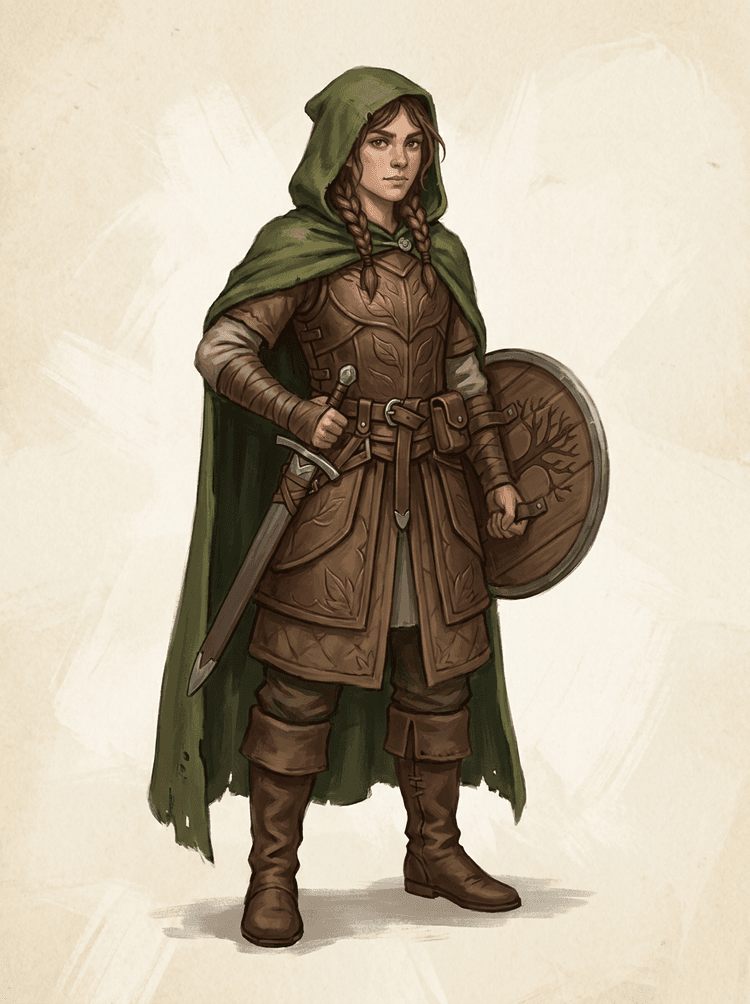
    Gumamit ng full-body character art, mascot art, anime key art, game concepts, props, o product-style illustrations na may malinaw na edges.

  2. 2

    I-generate ang unang sheet

    Ang Quick Mode ay gumagawa ng mabilis na visual checkpoint para makita ng team ang hair, face, clothing, hands, props, shoes, at accessories sa tamang context.

  3. 3

    Mag-upgrade lang kapag sulit

    Pinakamainam ang PRO Mode kapag napatunayan na ng unang sheet na malinaw ang source at kailangan ng proyekto ng mas malinis na model pass.

  4. 4

    Mag-handoff nang may kumpiyansa

    Gamitin ang na-download na sheet para sa motion blocking, rig planning, sprite references, repainting, o creative compositing.

Ang layunin ay isang reviewable na panimulang production asset, hindi isang malabong AI demo.

Image layer search terms

A clearer path from flat image to editable layer assets

These workflows describe the same core need in slightly different search language: turning one finished image into separated visual parts that are easier to review, edit, animate, or rebuild.

image to layers

Turn one image to layers for production review

Image to layers means starting from one flat artwork file and creating a readable sheet of separated visual parts. AI Layer Splitter is built for this first-pass workflow: upload a cartoon character, game hero, anime design, product graphic, or mascot, then inspect foreground, background, objects, text, clothing, props, and accessories in one result.

  • Best for clean illustrations, graphic designs, product shots, and character art.
  • Useful before manual cleanup in Photoshop, Figma, Procreate, After Effects, or a game pipeline.

image layer separator

Use an image layer separator before detailed editing

An image layer separator helps designers and animators identify which parts of a source image can become editable assets. Instead of redrawing every element from scratch, teams can generate an asset sheet, compare the original with the separated result, and decide whether the source needs cropping, cleanup, Quick Mode, or a PRO pass.

  • Separate background, subjects, visible objects, text, and props automatically.
  • Preserve layout intent so the sheet still matches the source composition.

image separate layers

Create an image separate layers sheet for games and animation

Image separate layers searches usually come from creators who need practical assets, not just a background remover. AI Layer Splitter produces a downloadable sheet that can guide sprite prep, rig planning, motion comics, e-commerce edits, sticker variants, and character handoff. It works best when one clear subject has visible edges and minimal overlap.

  • Review character parts, accessories, equipment, and environment pieces side by side.
  • Use the sheet as a production reference before rebuilding final editable files.
Pipeline ng layer production

Gawing hiwa-hiwalay na parts ang isang image,at pagkatapos ay motion-ready assets

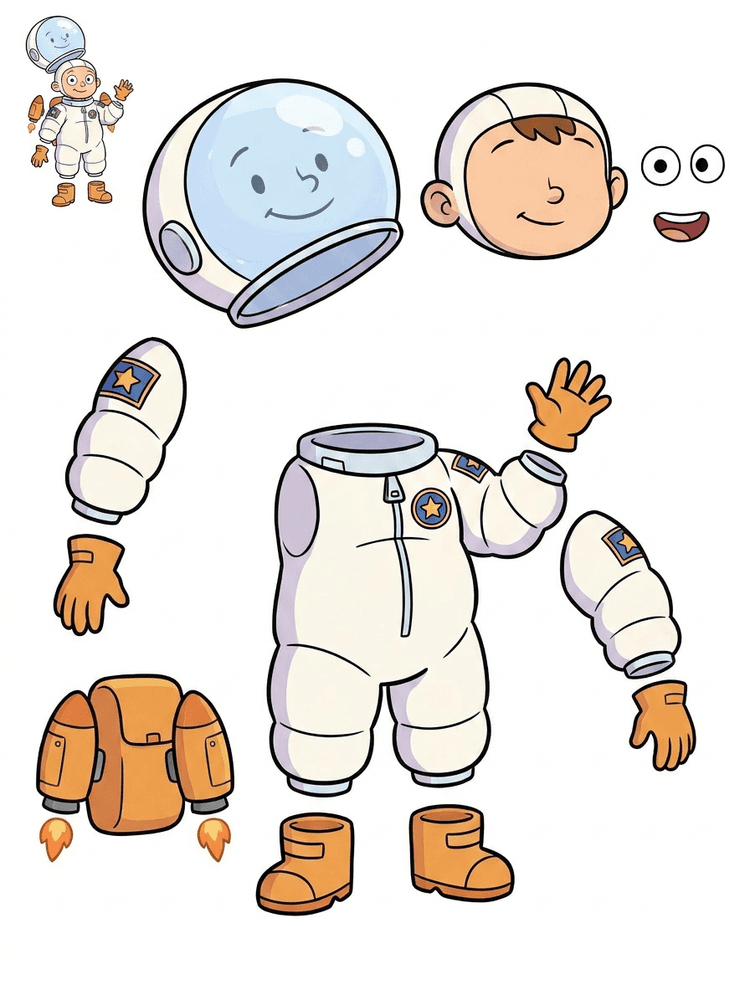
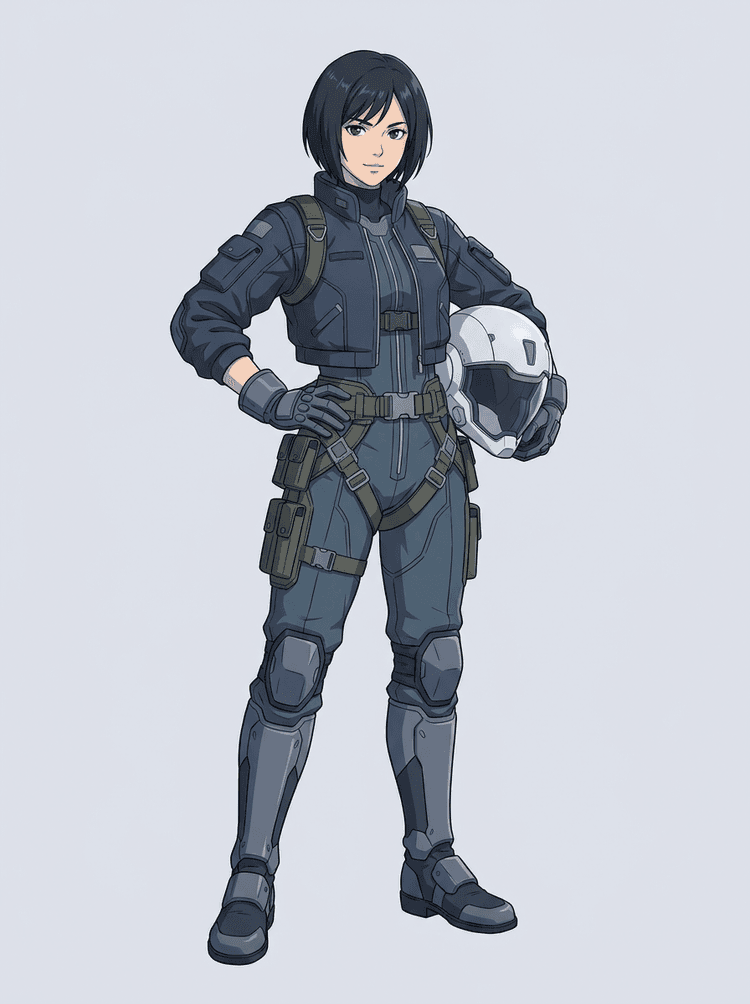
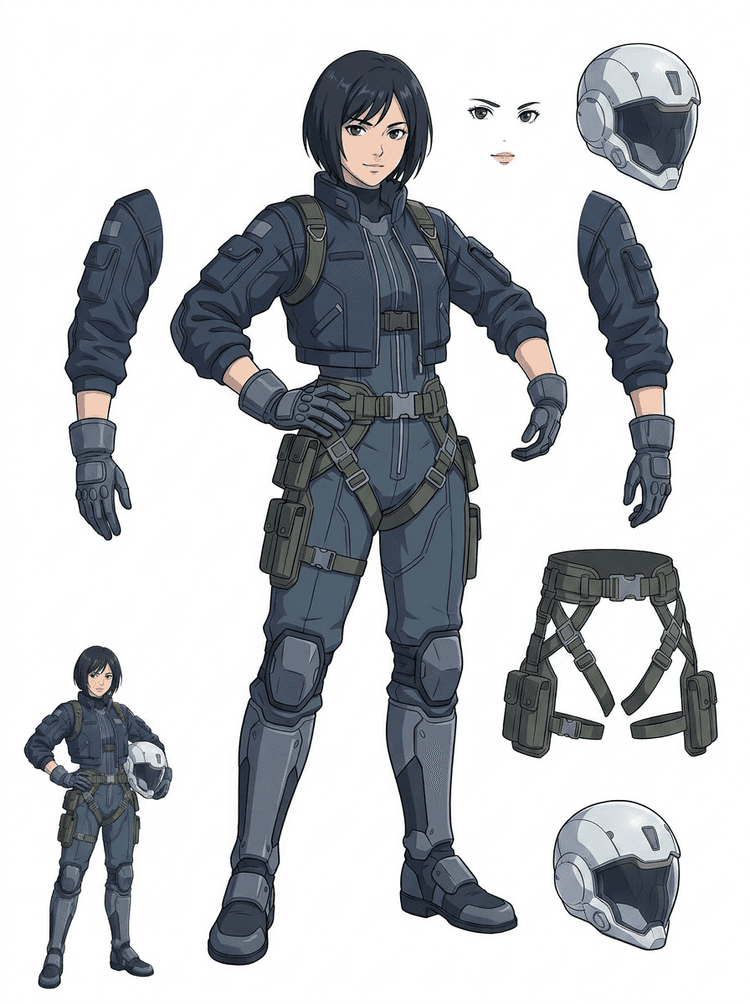
Ang isang maayos na split sheet ay nagbibigay sa team ng mga planning layers na kailangan nila: ang original source, visible part separation, isang malinaw na asset sheet, at handoff path para sa animation, games, at edits.

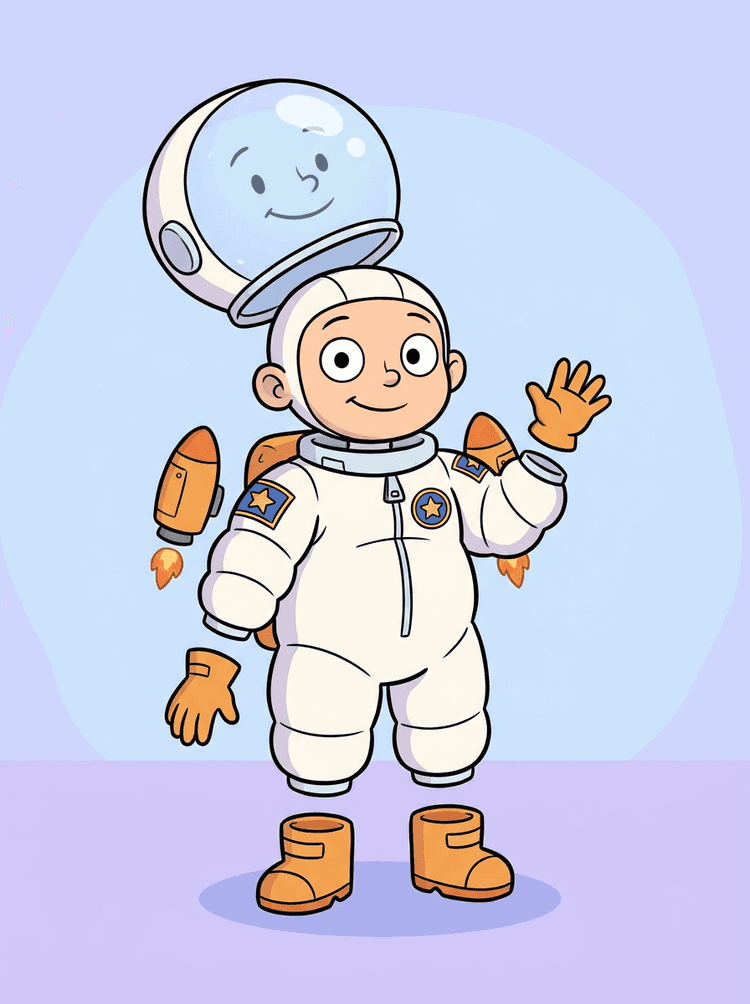
Source image
Part map
Asset sheet
Handoff
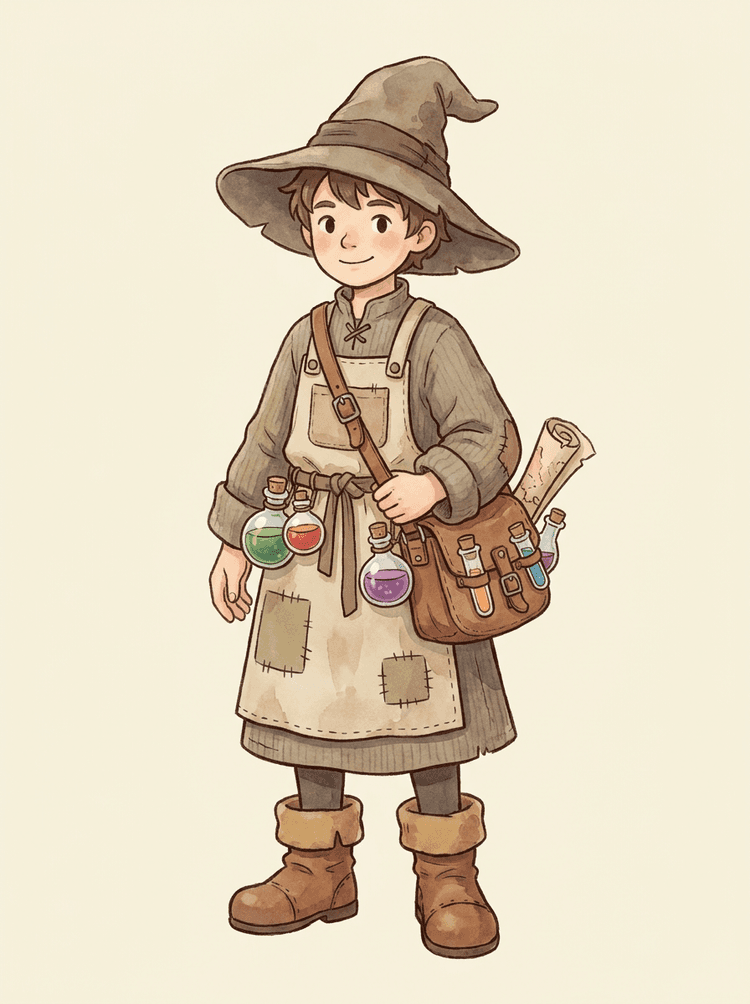
Paghiwa-hiwalayin ang cartoon mascots sa expressive na heads, hands, shoes, tails, clothing, props, at brand accessories.
Hatiin ang game character concepts bilang praktikal na references para sa sprites, UI portraits, inventory props, equipment variants, at animation tests.
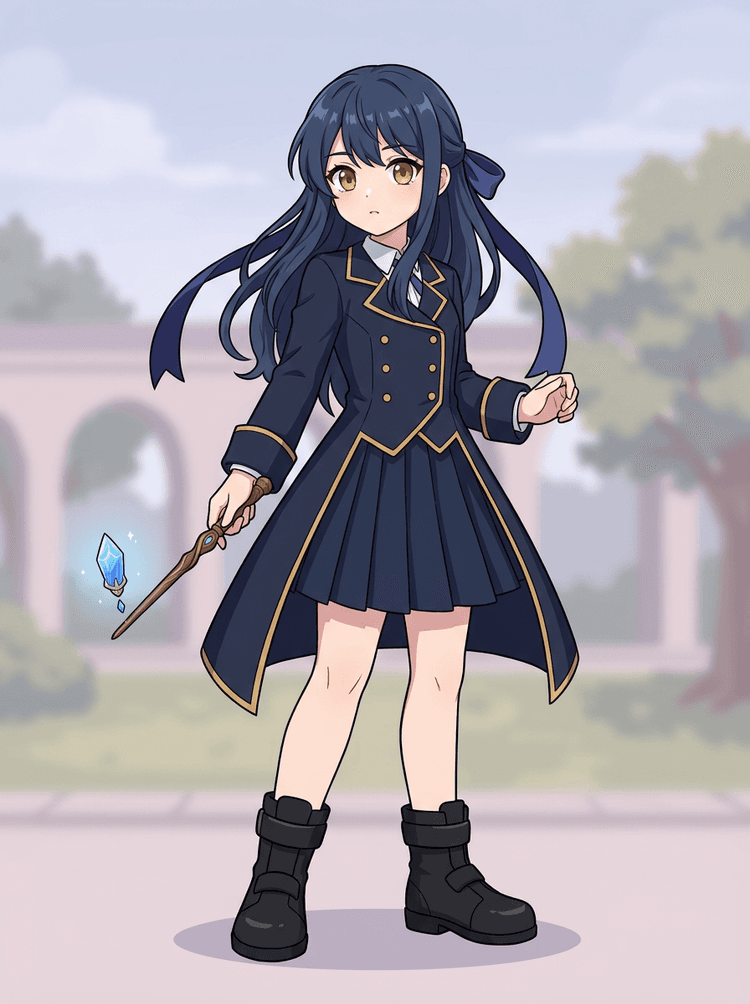
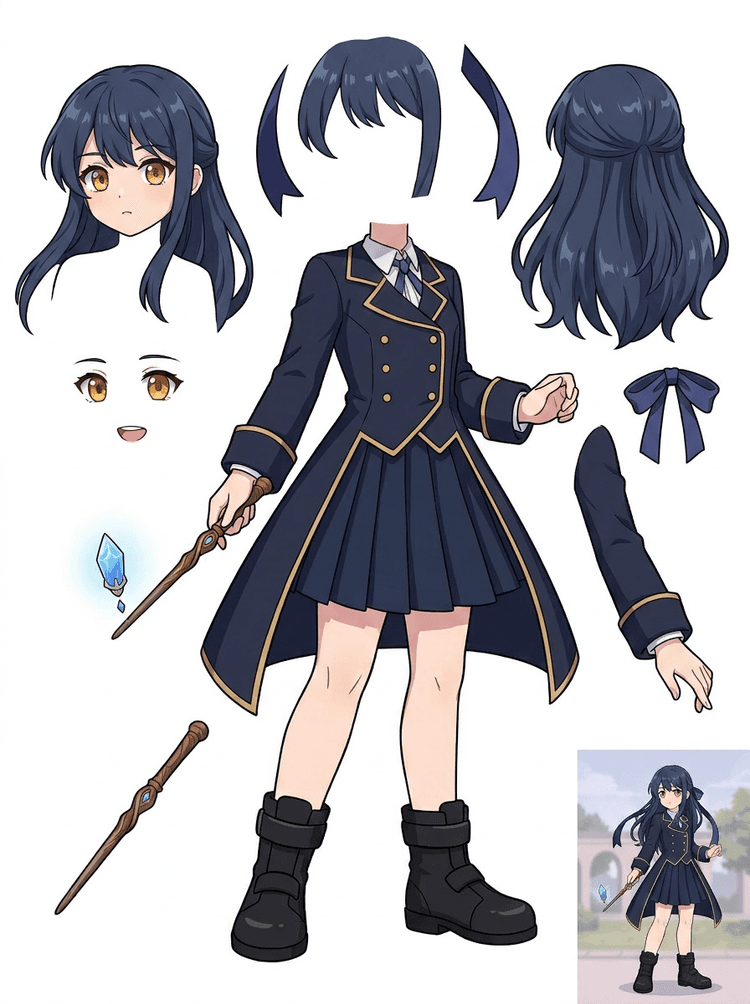
Ihanda ang anime-style characters para sa face, hair, outfit, ribbon, helmet, glove, boot, at prop edits nang hindi muling binubuo ang concept mula simula.
Gamitin ang unang sheet para malaman kung kailangan ng source ng cleanup, cropping, o PRO pass bago ang mas malalim na production work.
Gumawa ng layer sheet
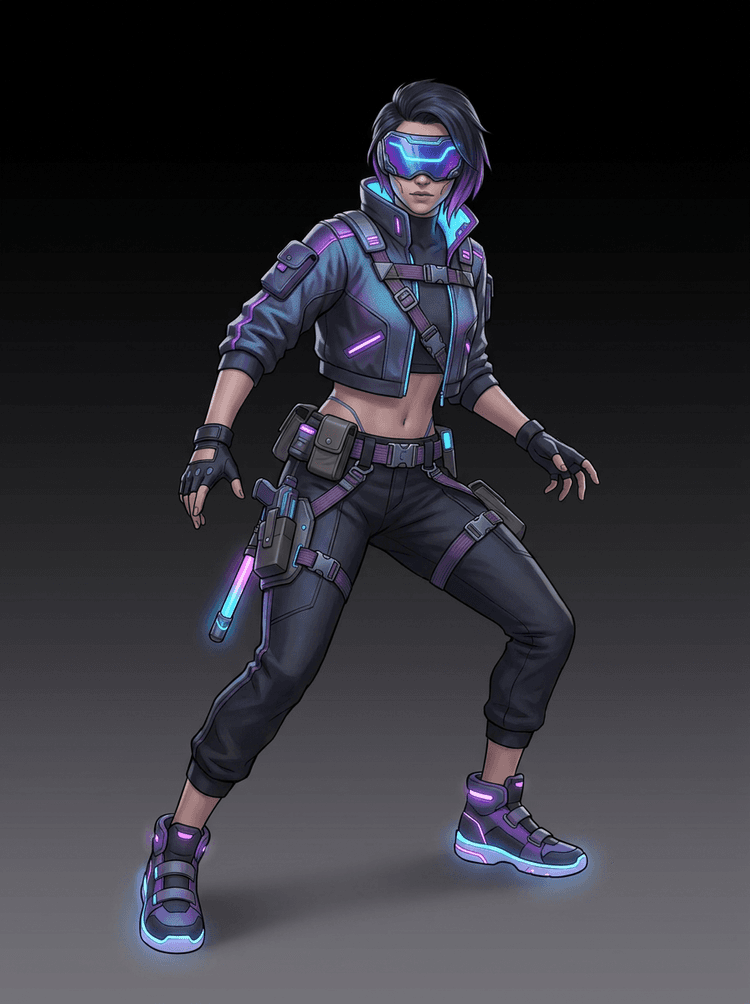
Pipeline ng AI layer splitter na nagpapakita ng cyberpunk game character na hinati sa production asset parts

FAQ ng AI Layer Splitter

Ano ang AI Layer Splitter?

Ginagawang isang malinaw na asset sheet ng AI Layer Splitter ang isang flat image, kung saan hiwa-hiwalay ang mga visible na character parts para sa animation, game art, motion comics, at editing workflows.

Anong mga image ang pinakamainam gamitin?

Pinakamaganda ang malilinis na illustrated subjects: cartoon mascots, anime characters, game characters, props, at full-body designs na may visible na hair, clothing, limbs, shoes, weapons, bags, tails, o accessories.

Puwede ko ba itong gamitin para sa cartoon characters?

Oo. Isa ito sa pinakamalalakas na use cases para sa cartoon characters at mascots dahil kadalasang malinaw ang outlines, props, clothing, hands, shoes, at facial parts para maging kapaki-pakinabang na sheet.

Puwede ko ba itong gamitin para sa game characters at sprites?

Oo. Puwedeng gamitin ng game teams ang generated sheet bilang panimulang punto para sa sprite references, pose variants, inventory icons, equipment edits, UI portraits, at animation blocking.

Puwede ko ba itong gamitin para sa anime characters?

Oo. Puwedeng hatiin ang anime-style characters sa visible na hair, face, outfit, ribbon, glove, boot, prop, helmet, at accessory references kapag malinis ang source image.

Ano ang pagkakaiba ng Quick Mode at PRO Mode?

Ang Quick Mode ay gumagawa ng mabilis at reviewable na asset sheet. Ang PRO Mode naman ay gumagamit ng upgraded na model para sa mas malinis na separation kapag readable ang source image at kailangan ng proyekto ng mas mataas na quality na pass.

Perfect ba ang pagkaka-split ng bawat image?

Hindi. Ang sobrang siksik na scenes, natatagong body parts, magkakapatong na subjects, sketch marks, mabibigat na shadows, putol na limbs, o napakaliit na accessories ay maaaring mangailangan pa rin ng source cleanup o manual finishing.

Puwede ko bang gamitin ang resulta sa commercial na paraan?

Puwede mong gamitin ang generated outputs ayon sa iyong LlamaGen plan at terms. Siguraduhin mo ring may karapatan kang gamitin ang source image na ia-upload mo.

Can I use it for game characters and sprites?

Yes. AI Layer Splitter for game assets can turn clean character concepts into a starting point for sprite references, pose variants, inventory icons, equipment edits, UI portraits, and animation blocking.

Can I use it for anime characters?

Yes. Anime-style characters can be split into visible hair, face, outfit, ribbon, glove, boot, prop, helmet, and accessory references when the source image is clean.

What is the difference between Quick Mode and PRO Mode?

Quick Mode creates a fast reviewable asset sheet. PRO Mode uses an upgraded model for cleaner separation when the source image is readable and the project needs a higher-quality pass.

Will every image split perfectly?

No. Very crowded scenes, hidden body parts, overlapping subjects, sketch marks, heavy shadows, cropped limbs, or tiny accessories may still need source cleanup or manual finishing.

Can I use the result commercially?

You can use generated outputs according to your LlamaGen plan and terms. Make sure you also have the rights to the source image you upload.


Handa nang mag-split

Gawing production-ready na parts ang isang character image

Magsimula sa preloaded sample, mag-upload ng sarili mong cartoon, anime, o game character, at gumawa ng reviewable na layer sheet sa loob lang ng ilang minuto.