Gift icon
เวิร์กโฟลว์เตรียมแอสเซ็ตตัวละคร

AI Layer Splitter สำหรับแอสเซ็ตตัวการ์ตูน อนิเมะ และตัวละครเกม

อัปโหลดภาพตัวละครที่เก็บงานเรียบร้อยเพียงภาพเดียว แล้วเปลี่ยนเป็นชีตแยกชิ้นส่วนที่อ่านง่าย สำหรับวางบล็อกแอนิเมชัน เตรียมสไปรต์เกม วางแผน Live2D โมชันคอมิก และแก้งานครีเอทีฟได้รวดเร็วขึ้น

จากภาพแบนสู่ชีตพร้อมงานโปรดักชัน

เวิร์กโฟลว์ที่ใช้งานได้จริงสำหรับการแยกเลเยอร์ตัวละคร

มอง AI Layer Splitter เป็นขั้นตอนแรกของงานโปรดักชัน: พิสูจน์ก่อนว่าแยกชิ้นส่วนอะไรได้บ้าง ตรวจชีต แล้วค่อยส่งต่อไปยังทีมแอนิเมชัน เกมอาร์ต หรือเครื่องมือแก้ไข

  1. 1

    เริ่มจากภาพเดียวที่คมชัด

    ใช้ภาพตัวละครเต็มตัว มาสคอต อนิเมะคีย์อาร์ต คอนเซ็ปต์เกม พร็อพ หรือภาพประกอบแนวโปรดักต์ที่เห็นขอบชัดเจน

  2. 2

    สร้างชีตแรก

    Quick Mode ให้จุดเช็กภาพอย่างรวดเร็ว เพื่อให้ทีมเห็นผม ใบหน้า เสื้อผ้า มือ พร็อพ รองเท้า และเครื่องประดับในบริบทเดียวกัน

  3. 3

    อัปเกรดเมื่อคุ้มเท่านั้น

    PRO Mode เหมาะที่สุดเมื่อชีตแรกพิสูจน์แล้วว่าภาพต้นฉบับอ่านได้ดี และโปรเจกต์ต้องการผลลัพธ์จากโมเดลที่สะอาดขึ้น

  4. 4

    ส่งต่องานได้อย่างมั่นใจ

    ใช้ชีตที่ดาวน์โหลดแล้วสำหรับวางบล็อกโมชั่น วางแผน rig อ้างอิงสไปรต์ รีเพนต์ หรือคอมโพสิตงานครีเอทีฟ

เป้าหมายคือจุดเริ่มต้นของงานโปรดักชันที่ตรวจทานได้ ไม่ใช่เดโม AI แบบกว้าง ๆ

Image layer search terms

A clearer path from flat image to editable layer assets

These workflows describe the same core need in slightly different search language: turning one finished image into separated visual parts that are easier to review, edit, animate, or rebuild.

image to layers

Turn one image to layers for production review

Image to layers means starting from one flat artwork file and creating a readable sheet of separated visual parts. AI Layer Splitter is built for this first-pass workflow: upload a cartoon character, game hero, anime design, product graphic, or mascot, then inspect foreground, background, objects, text, clothing, props, and accessories in one result.

  • Best for clean illustrations, graphic designs, product shots, and character art.
  • Useful before manual cleanup in Photoshop, Figma, Procreate, After Effects, or a game pipeline.

image layer separator

Use an image layer separator before detailed editing

An image layer separator helps designers and animators identify which parts of a source image can become editable assets. Instead of redrawing every element from scratch, teams can generate an asset sheet, compare the original with the separated result, and decide whether the source needs cropping, cleanup, Quick Mode, or a PRO pass.

  • Separate background, subjects, visible objects, text, and props automatically.
  • Preserve layout intent so the sheet still matches the source composition.

image separate layers

Create an image separate layers sheet for games and animation

Image separate layers searches usually come from creators who need practical assets, not just a background remover. AI Layer Splitter produces a downloadable sheet that can guide sprite prep, rig planning, motion comics, e-commerce edits, sticker variants, and character handoff. It works best when one clear subject has visible edges and minimal overlap.

  • Review character parts, accessories, equipment, and environment pieces side by side.
  • Use the sheet as a production reference before rebuilding final editable files.
ไปป์ไลน์การผลิตเลเยอร์

เปลี่ยนภาพเดียวให้เป็นชิ้นส่วนแล้วต่อยอดเป็นแอสเซ็ตพร้อมทำโมชั่น

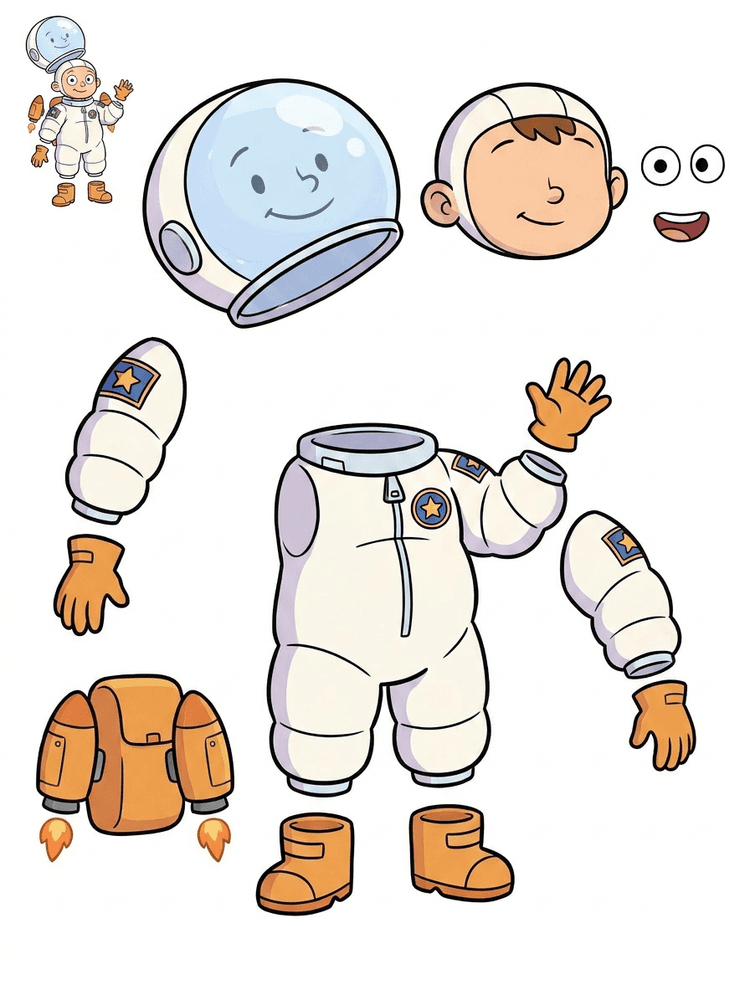
ชีตแยกชิ้นส่วนที่ดีช่วยให้ทีมมีเลเยอร์สำหรับวางแผนงานครบถ้วน: ภาพต้นฉบับ การแยกส่วนที่มองเห็นได้ asset sheet ที่อ่านง่าย และเส้นทางส่งต่องานสำหรับแอนิเมชัน เกม และการแก้ไข

ภาพต้นฉบับ
แผนผังชิ้นส่วน
Asset Sheet
ส่งต่องาน
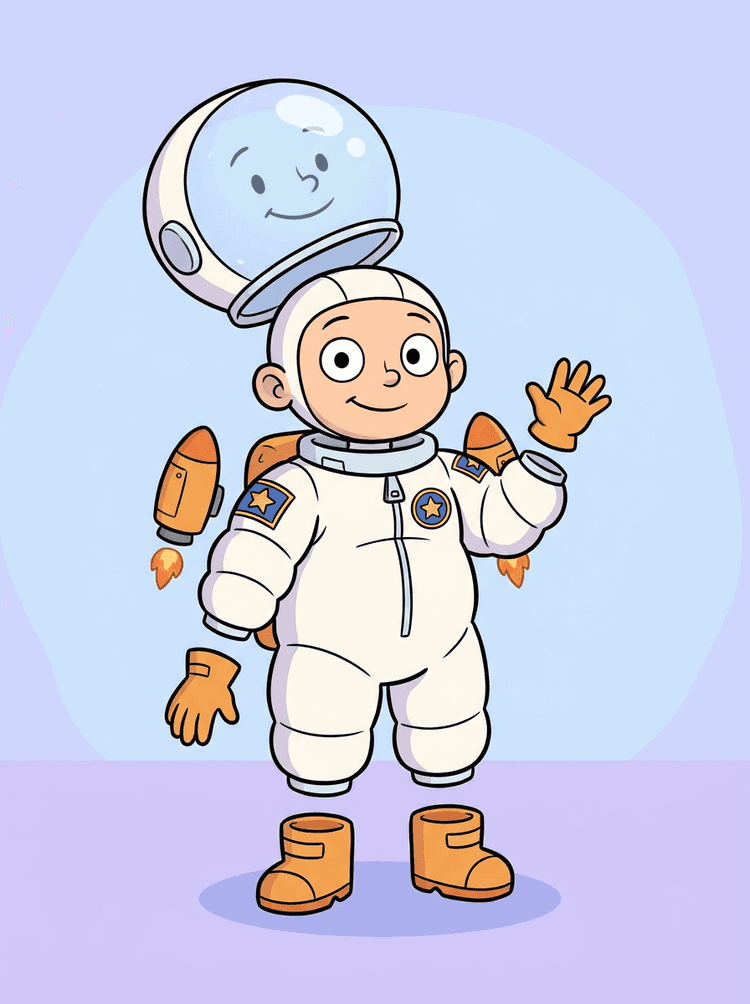
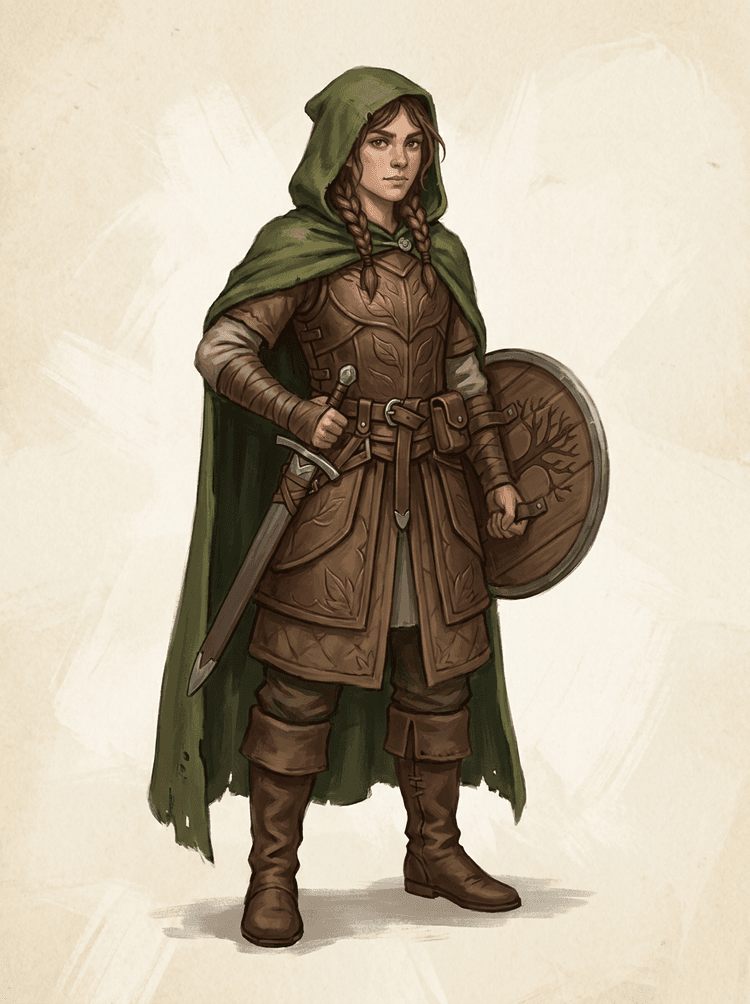
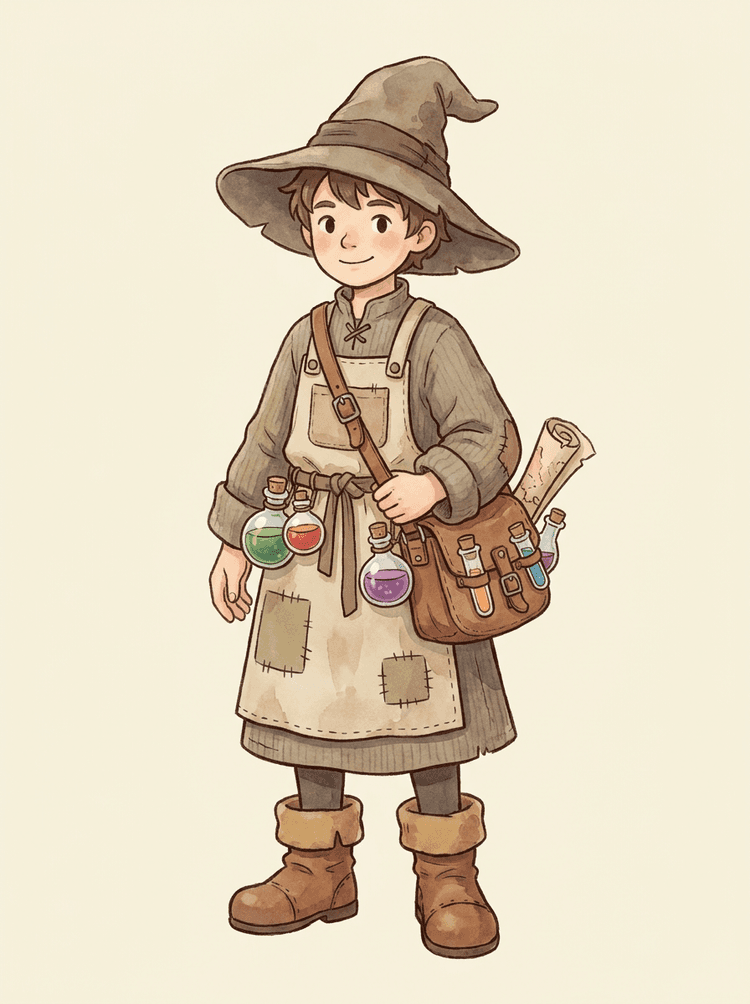
แยกมาสคอตการ์ตูนออกเป็นศีรษะที่มีอารมณ์ มือ รองเท้า หาง เสื้อผ้า พร็อพ และเครื่องประดับของแบรนด์
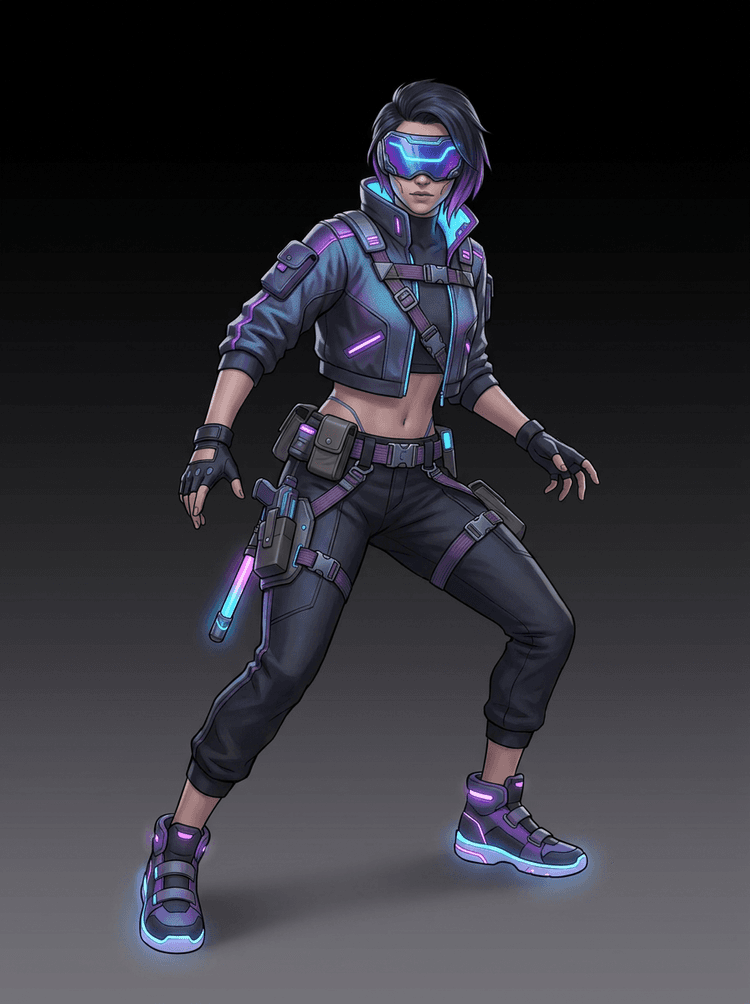
แยกคอนเซ็ปต์ตัวละครเกมเป็นชุดอ้างอิงที่ใช้งานได้จริง สำหรับสไปรต์ ภาพพอร์ตเทรต UI พร็อพในอินเวนทอรี เวอร์ชันอุปกรณ์ และการทดสอบแอนิเมชัน
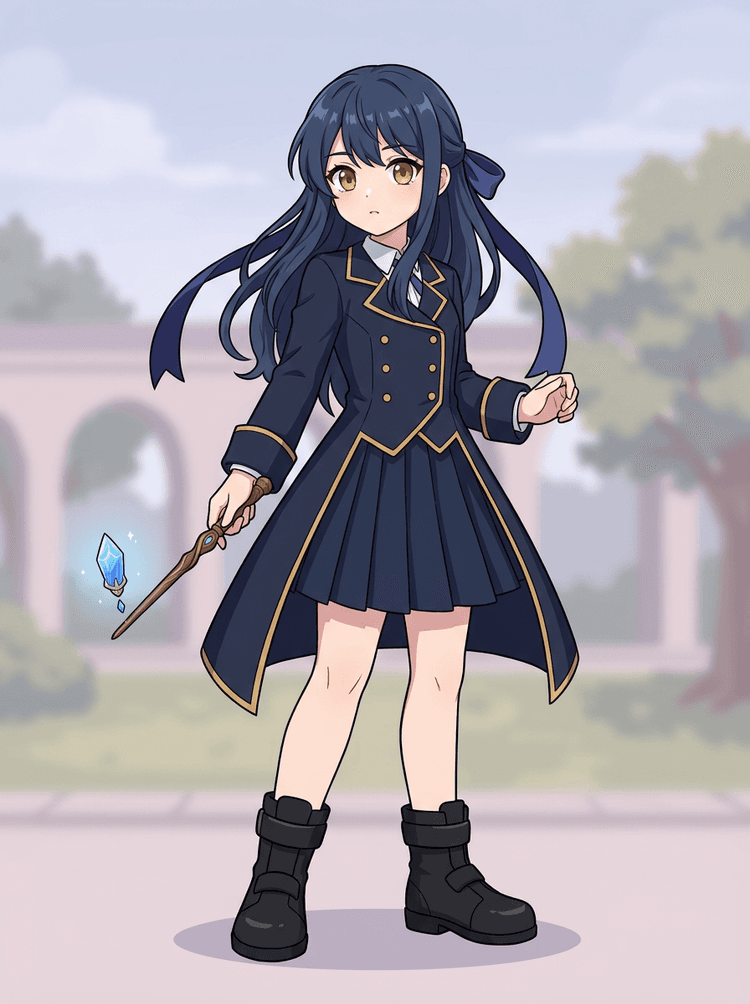
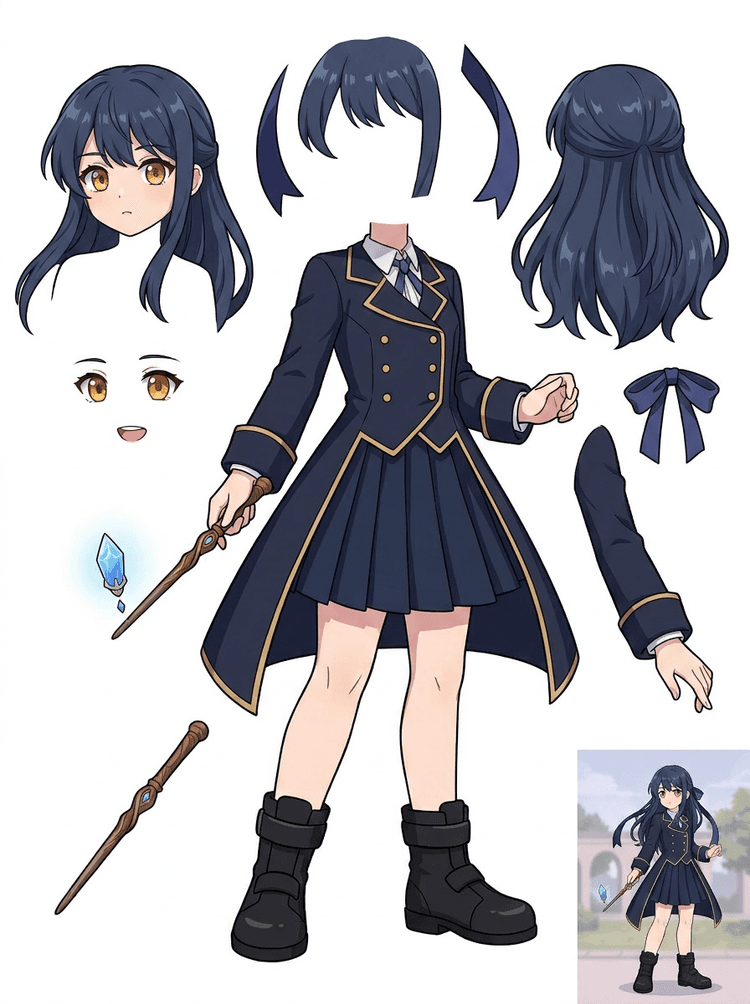
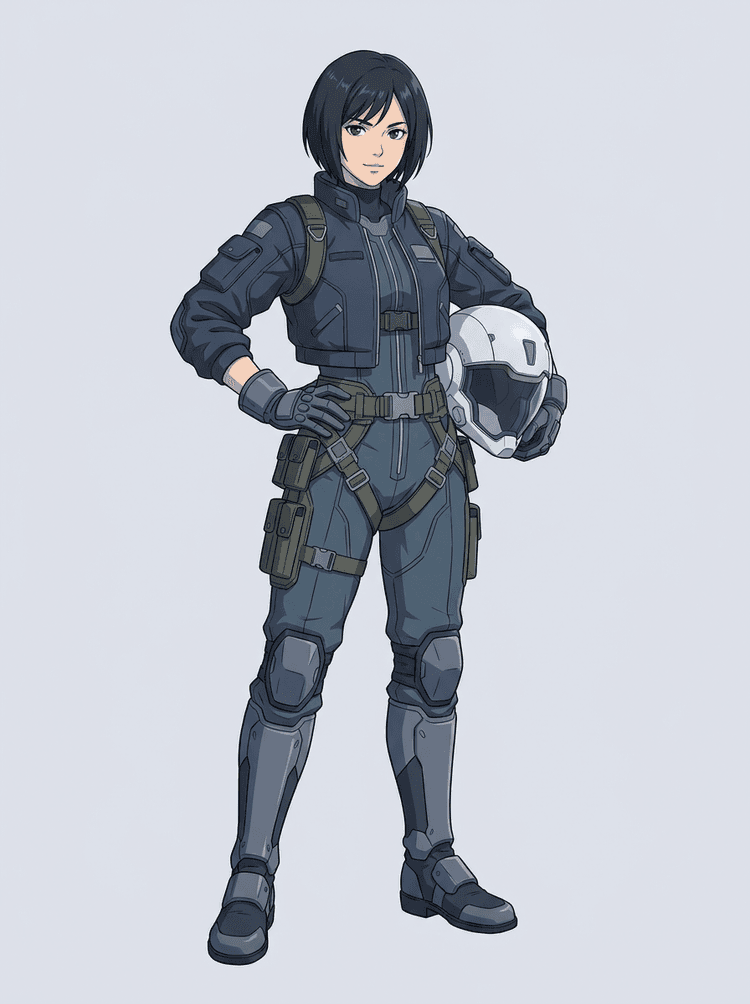
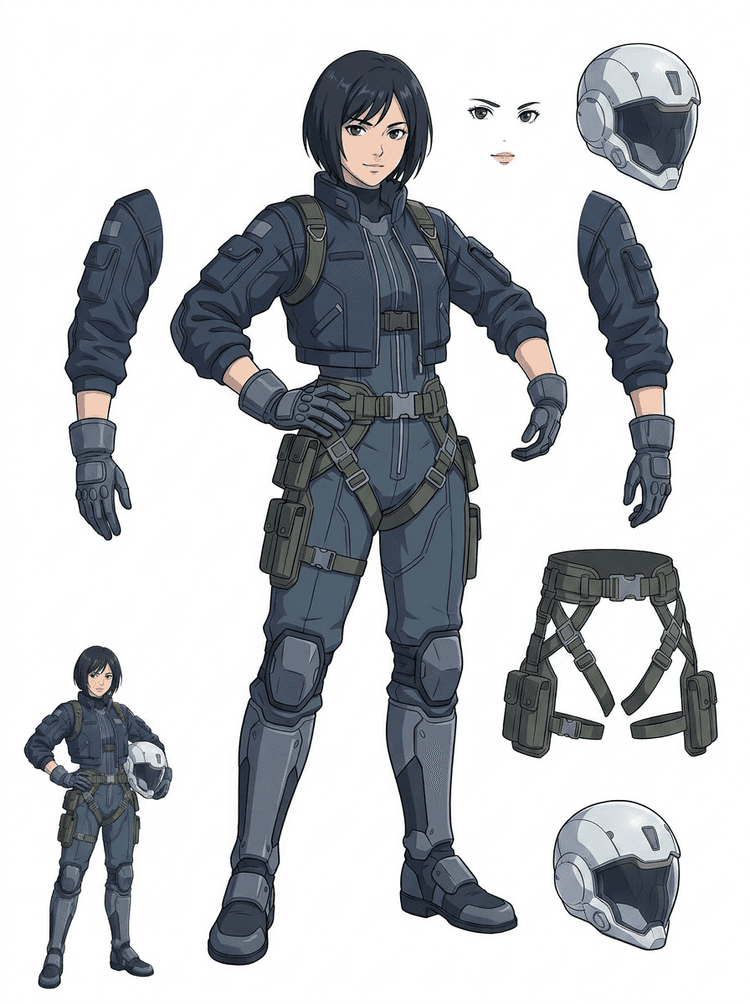
เตรียมตัวละครสไตล์อนิเมะสำหรับแก้ไขใบหน้า ผม ชุด ริบบิ้น หมวกกันน็อก ถุงมือ รองเท้า และพร็อพ โดยไม่ต้องสร้างคอนเซ็ปต์ใหม่ทั้งหมด
ใช้ชีตแรกตัดสินใจก่อนว่าภาพต้นฉบับควรเก็บงานเพิ่ม ครอปใหม่ หรือใช้ PRO ก่อนลงลึกในโปรดักชัน
สร้างชีตเลเยอร์
ไปป์ไลน์ AI layer splitter ที่แสดงตัวละครเกมไซเบอร์พังก์ถูกแยกเป็นชิ้นส่วนสำหรับโปรดักชัน

คำถามที่พบบ่อยเกี่ยวกับ AI Layer Splitter

AI Layer Splitter คืออะไร?

AI Layer Splitter เปลี่ยนภาพแบนเพียงภาพเดียวให้เป็น asset sheet ที่อ่านง่าย โดยแยกชิ้นส่วนตัวละครที่มองเห็นได้ออกจากกัน สำหรับงานแอนิเมชัน เกมอาร์ต โมชันคอมิก และเวิร์กโฟลว์การแก้ไข

ภาพแบบไหนให้ผลลัพธ์ดีที่สุด?

ภาพประกอบที่คมชัดให้ผลดีที่สุด เช่น มาสคอตการ์ตูน ตัวละครอนิเมะ ตัวละครเกม พร็อพ และดีไซน์เต็มตัวที่เห็นผม เสื้อผ้า แขนขา รองเท้า อาวุธ กระเป๋า หาง หรือเครื่องประดับชัดเจน

ใช้กับตัวละครการ์ตูนได้ไหม?

ได้ ตัวละครการ์ตูนและมาสคอตเป็นหนึ่งในเคสที่ให้ผลดีที่สุด เพราะเส้นร่าง พร็อพ เสื้อผ้า มือ รองเท้า และองค์ประกอบใบหน้ามักชัดพอที่จะกลายเป็นชีตที่ใช้งานได้จริง

ใช้กับตัวละครเกมและสไปรต์ได้ไหม?

ได้ ทีมเกมสามารถใช้ชีตที่สร้างแล้วเป็นจุดเริ่มต้นสำหรับอ้างอิงสไปรต์ เวอร์ชันท่าทาง ไอคอนอินเวนทอรี การแก้อุปกรณ์ ภาพพอร์ตเทรต UI และการวางบล็อกแอนิเมชัน

ใช้กับตัวละครอนิเมะได้ไหม?

ได้ ตัวละครสไตล์อนิเมะสามารถถูกแยกเป็นส่วนอ้างอิงของผม ใบหน้า ชุด ริบบิ้น ถุงมือ รองเท้า พร็อพ หมวกกันน็อก และเครื่องประดับที่มองเห็นได้ เมื่อภาพต้นฉบับคมชัด

Quick Mode กับ PRO Mode ต่างกันอย่างไร?

Quick Mode สร้าง asset sheet ที่ตรวจทานได้อย่างรวดเร็ว ส่วน PRO Mode ใช้โมเดลที่อัปเกรดแล้วเพื่อแยกชิ้นส่วนได้สะอาดขึ้น เมื่อภาพต้นฉบับอ่านได้ชัดและโปรเจกต์ต้องการผลลัพธ์คุณภาพสูงกว่า

ทุกภาพจะแยกได้สมบูรณ์แบบไหม?

ไม่เสมอไป ภาพที่แน่นมาก ส่วนของร่างกายที่ถูกบัง วัตถุซ้อนกัน รอยสเก็ตช์ เงาหนัก แขนขาที่ถูกครอป หรือเครื่องประดับชิ้นเล็กมาก อาจยังต้องปรับภาพต้นฉบับหรือเก็บงานด้วยมือเพิ่มเติม

นำผลลัพธ์ไปใช้เชิงพาณิชย์ได้ไหม?

คุณสามารถใช้ผลลัพธ์ที่สร้างได้ตามแพ็กเกจและข้อกำหนดของ LlamaGen และควรตรวจสอบให้แน่ใจว่าคุณมีสิทธิ์ในภาพต้นฉบับที่อัปโหลดด้วย

Can I use it for game characters and sprites?

Yes. AI Layer Splitter for game assets can turn clean character concepts into a starting point for sprite references, pose variants, inventory icons, equipment edits, UI portraits, and animation blocking.

Can I use it for anime characters?

Yes. Anime-style characters can be split into visible hair, face, outfit, ribbon, glove, boot, prop, helmet, and accessory references when the source image is clean.

What is the difference between Quick Mode and PRO Mode?

Quick Mode creates a fast reviewable asset sheet. PRO Mode uses an upgraded model for cleaner separation when the source image is readable and the project needs a higher-quality pass.

Will every image split perfectly?

No. Very crowded scenes, hidden body parts, overlapping subjects, sketch marks, heavy shadows, cropped limbs, or tiny accessories may still need source cleanup or manual finishing.

Can I use the result commercially?

You can use generated outputs according to your LlamaGen plan and terms. Make sure you also have the rights to the source image you upload.


สำรวจเครื่องมือโปรดักชันที่เกี่ยวข้อง

พร้อมแยกแล้ว

เปลี่ยนภาพตัวละครเดียวให้เป็นชิ้นส่วนพร้อมใช้งานโปรดักชัน

เริ่มจากตัวอย่างที่โหลดไว้ อัปโหลดตัวการ์ตูน อนิเมะ หรือคาแรกเตอร์เกมของคุณ แล้วสร้างชีตเลเยอร์ที่ตรวจทานได้ภายในไม่กี่นาที