Gift icon
Vispirms problēma, rīks gatavs

Pārvērtiet plakanu mākslu animācijai gatavos slāņos

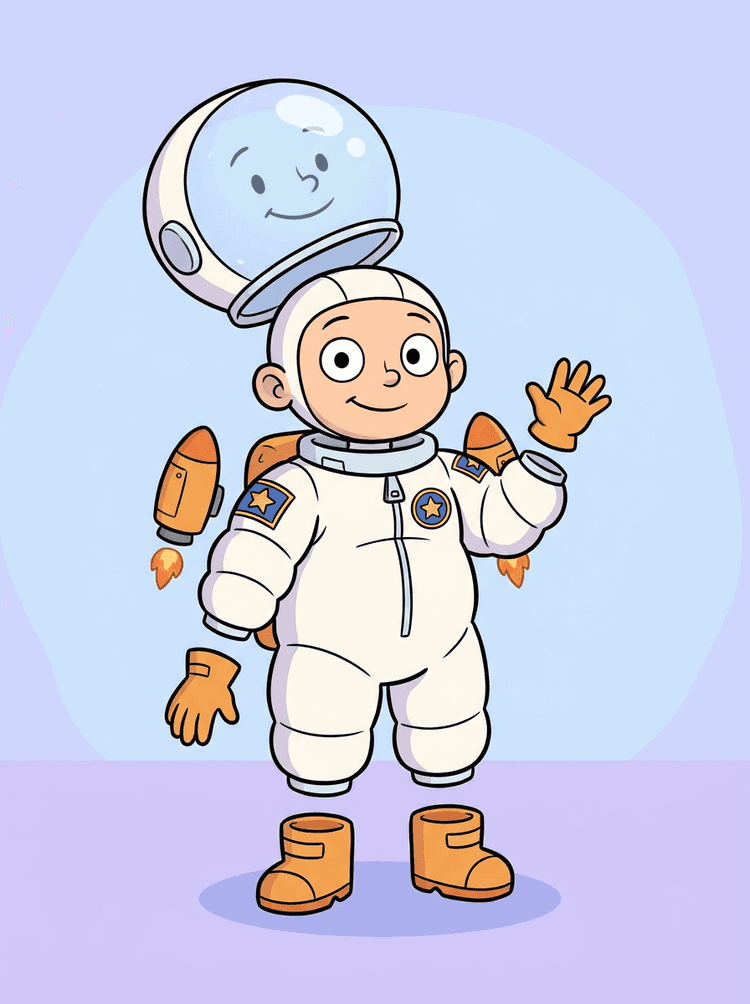
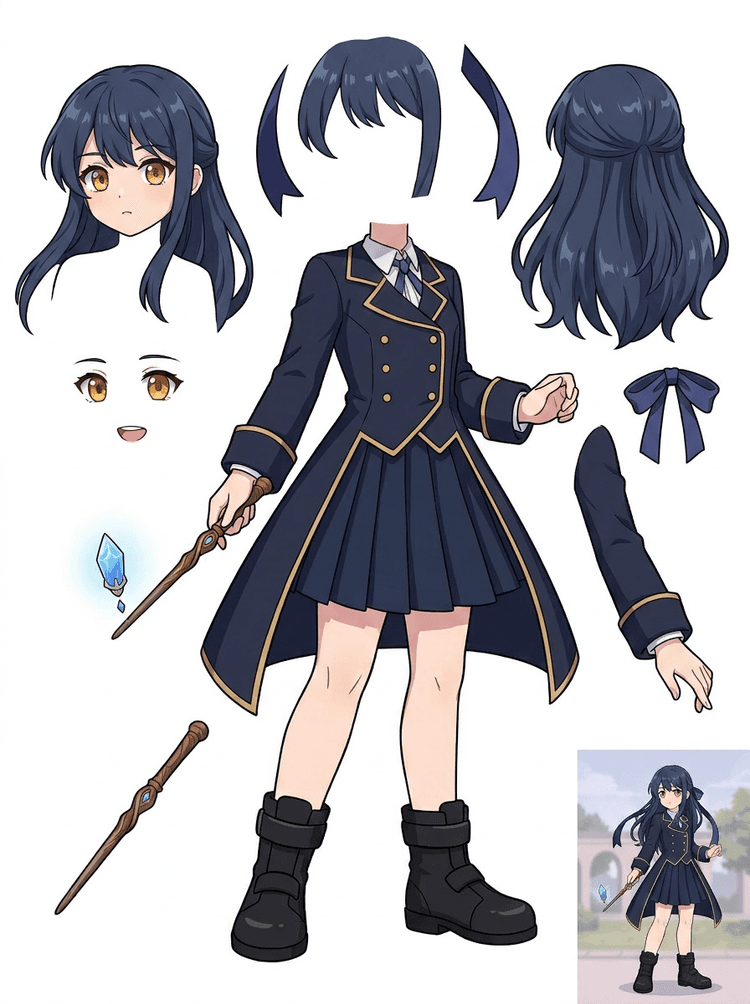
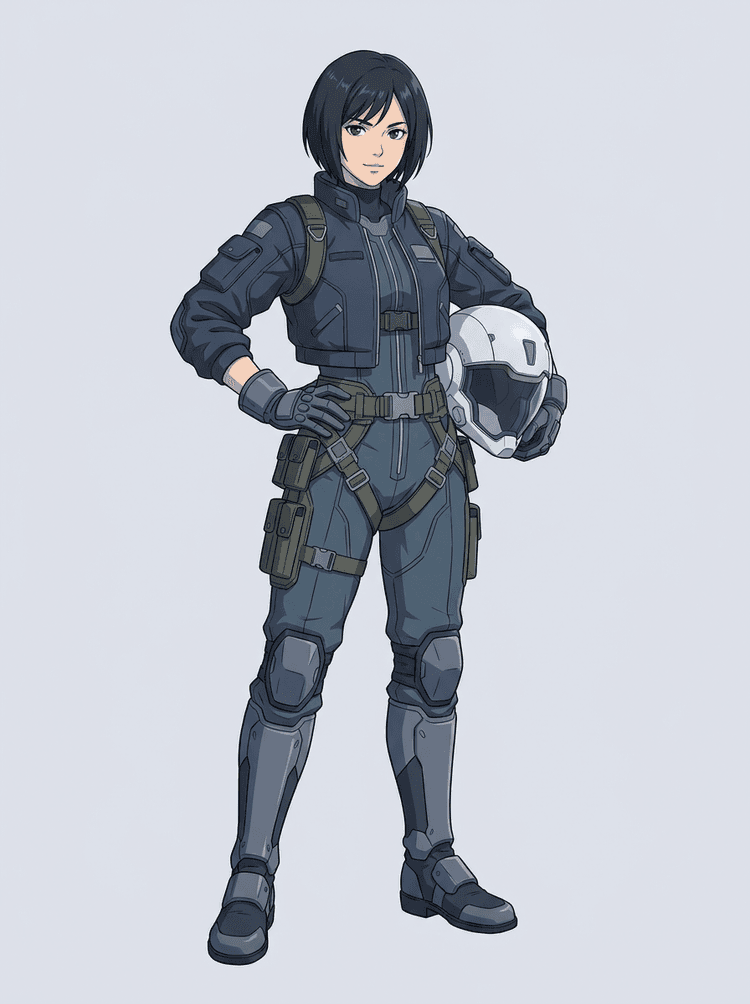
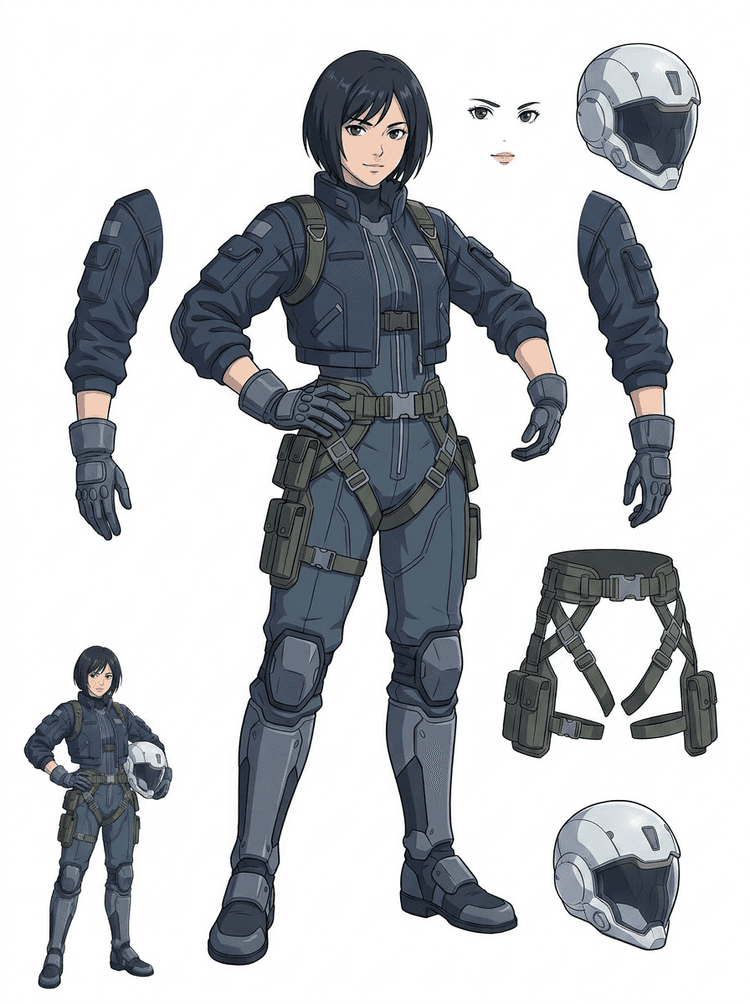
Pabeigts tēla attēls izskatās gatavs, taču to ir grūti animēt, līdz mati, seja, apģērbs, ekstremitātes, rekvizīti un fons nav atdalīti. Augšupielādējiet vienu attēlu un redziet pirms/pēc lēcienu no plakanas mākslas uz izmantojamiem slāņu resursiem.

How it works

Image to layers in three clear steps

Treat AI Layer Splitter as the first clean pass: upload one image, generate a layer sheet, then use the result in your editor, animation workflow, or game asset pipeline.

  1. 1

    Start with one clean image

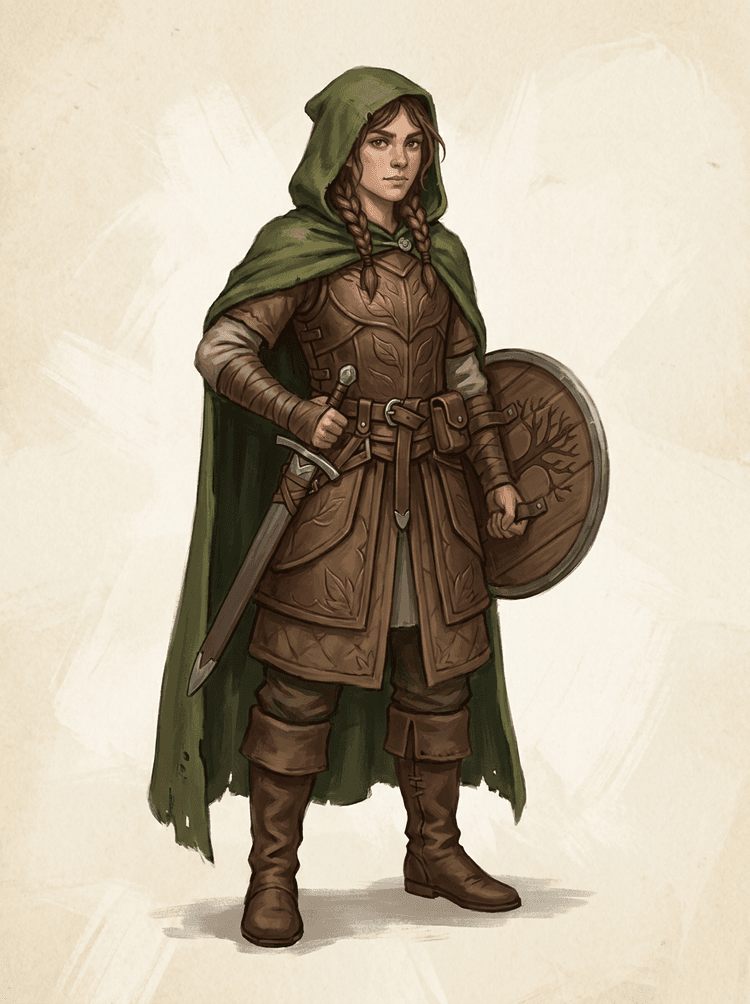
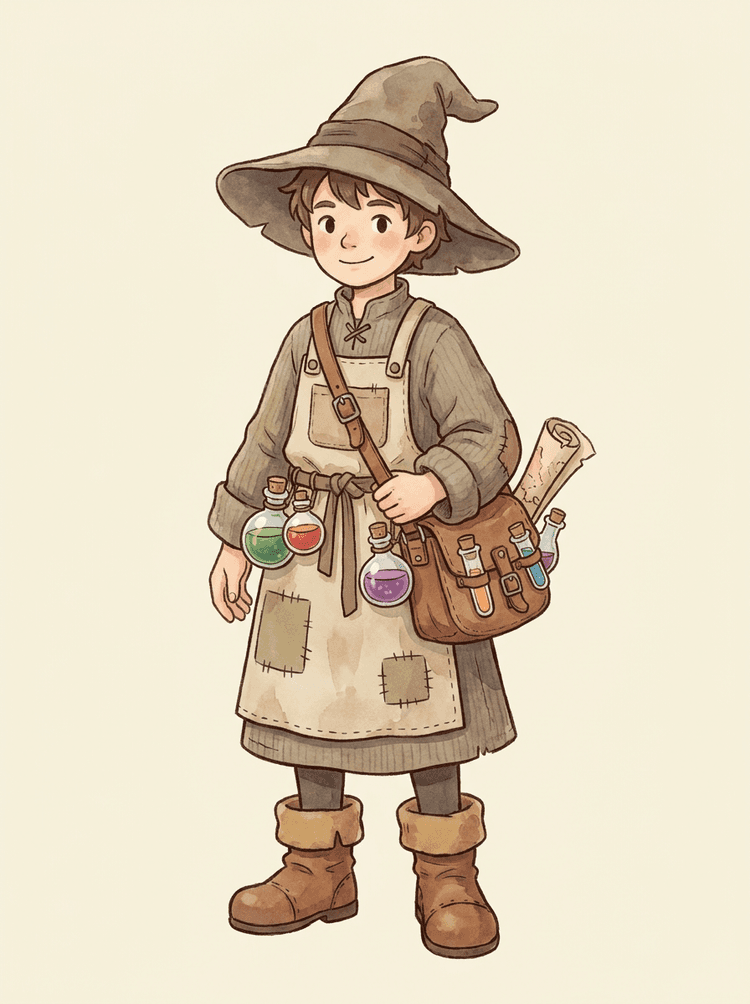
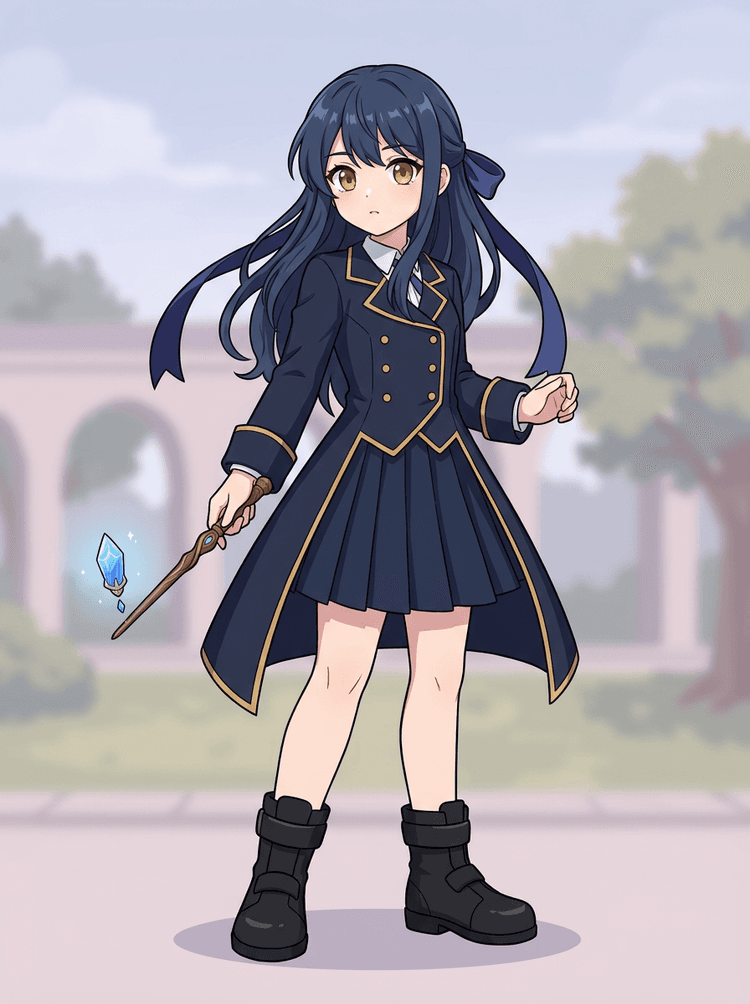
    Use full-body character art, mascot art, anime key art, game concepts, product shots, graphic designs, props, or product-style illustrations with visible edges.

  2. 2

    Generate the first sheet

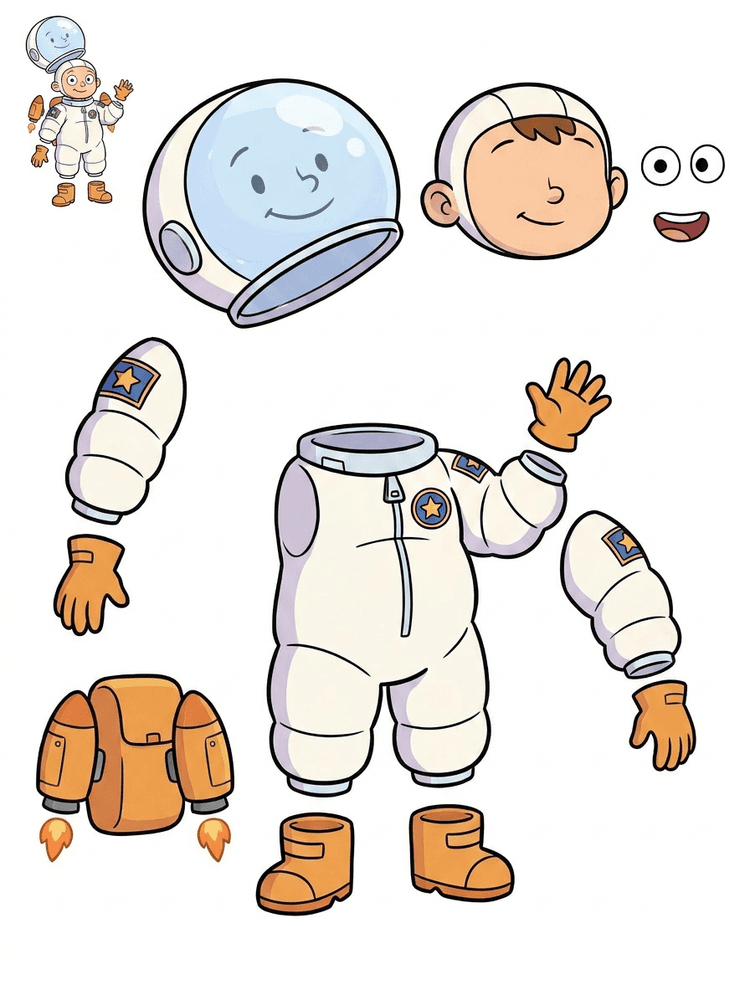
    Quick Mode creates a fast visual checkpoint so the team can see hair, face, clothing, hands, props, shoes, background, text, objects, and accessories in context.

  3. 3

    Upgrade only when it is worth it

    PRO Mode is best after the first sheet proves the source is readable and the project needs a cleaner model pass.

  4. 4

    Handoff with confidence

    Use the downloaded sheet for motion blocking, rig planning, sprite references, repainting, or creative compositing.

The goal is a reviewable production starting point, not a vague AI demo.

Image layer search terms

A clearer path from flat image to editable layer assets

These workflows describe the same core need in slightly different search language: turning one finished image into separated visual parts that are easier to review, edit, animate, or rebuild.

image to layers

Turn one image to layers for production review

Image to layers means starting from one flat artwork file and creating a readable sheet of separated visual parts. AI Layer Splitter is built for this first-pass workflow: upload a cartoon character, game hero, anime design, product graphic, or mascot, then inspect foreground, background, objects, text, clothing, props, and accessories in one result.

  • Best for clean illustrations, graphic designs, product shots, and character art.
  • Useful before manual cleanup in Photoshop, Figma, Procreate, After Effects, or a game pipeline.

image layer separator

Use an image layer separator before detailed editing

An image layer separator helps designers and animators identify which parts of a source image can become editable assets. Instead of redrawing every element from scratch, teams can generate an asset sheet, compare the original with the separated result, and decide whether the source needs cropping, cleanup, Quick Mode, or a PRO pass.

  • Separate background, subjects, visible objects, text, and props automatically.
  • Preserve layout intent so the sheet still matches the source composition.

image separate layers

Create an image separate layers sheet for games and animation

Image separate layers searches usually come from creators who need practical assets, not just a background remover. AI Layer Splitter produces a downloadable sheet that can guide sprite prep, rig planning, motion comics, e-commerce edits, sticker variants, and character handoff. It works best when one clear subject has visible edges and minimal overlap.

  • Review character parts, accessories, equipment, and environment pieces side by side.
  • Use the sheet as a production reference before rebuilding final editable files.
Layer decomposition

AI finds the pieces,you keep the layout

AI layer splitter tool analyzes your artwork and identifies different elements like characters, backgrounds, and objects, creating separate layers. It uses AI to break down images while preserving layout, hierarchy, and design intent, and it works best with graphic design, illustrated products, character art, and clean game assets.

Source image
Part map
Asset sheet
Handoff
Layer Decomposition is an AI agent capability that separates a single image into logical, editable visual layers such as foreground, background, and objects.
AI-powered layer separation for designers, animators, and e-commerce teams. Separate background, subjects, text, and objects automatically.
Break game character concepts into practical references for sprites, UI portraits, inventory props, equipment variants, and animation tests with an AI layer splitter for game assets.
Use the first image separate layers sheet to decide whether the source needs cleanup, cropping, or a PRO pass before deeper production work.
Create a layer sheet
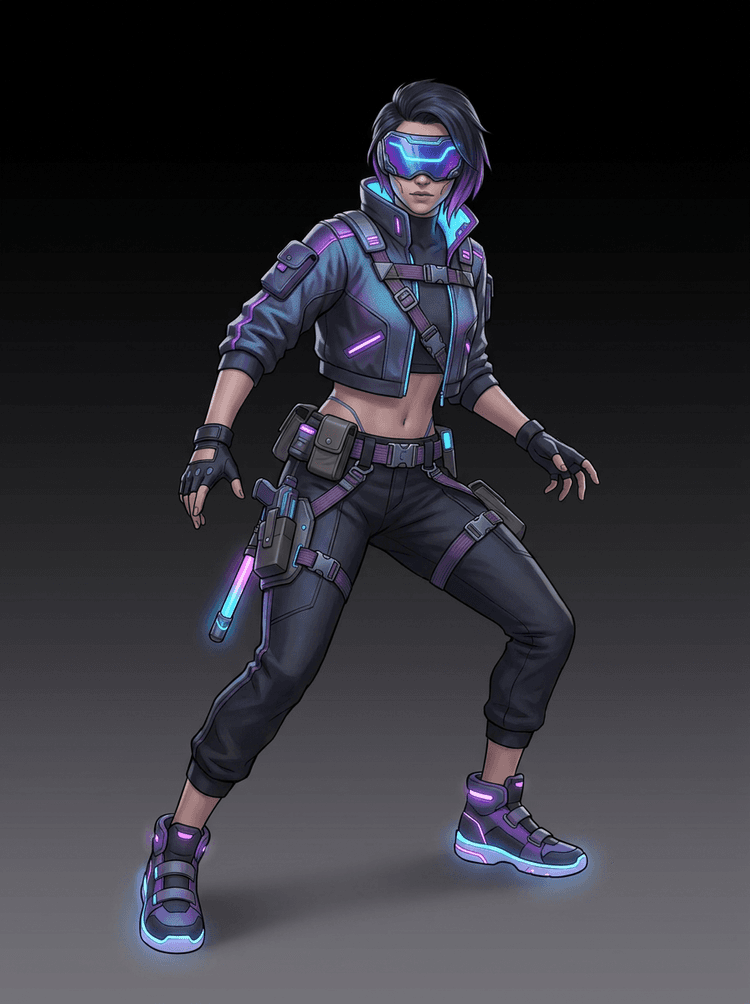
AI layer splitter pipeline showing a cyberpunk game character split into production asset parts

Biežāk uzdotie jautājumi par AI slāņu sadalīšanu

Kas ir AI slāņu sadalīšana?

AI slāņu sadalīšana izmanto attēlu modeļus, lai atdalītu plakanu attēlu izmantojamās vizuālās daļās, piemēram, tēla komponentēs, rekvizītos, priekšplāna objektos, fondos vai animācijas resursos.

Kā ar AI sadalīt attēlus slāņos?

Augšupielādējiet attēlu, izvēlieties Quick Mode vai PRO Mode, ģenerējiet rezultātu un pēc tam lejupielādējiet resursu lapu vai atdalīto slāņu izvades.

Kas ir Quick Mode?

Quick Mode izveido vienu organizētu resursu lapu no augšupielādētā attēla. Tas ir paredzēts lietotājiem, kuri vēlas tiešu, viegli saprotamu izvadi.

Kas ir PRO Mode?

PRO Mode saglabā uzlaboto darbplūsmu, kas izvelk vairākus atsevišķus slāņu attēlus lietotājiem, kuriem vajadzīga lielāka rediģēšanas kontrole.

Vai es varu izmantot AI sadalītus slāņus animācijai?

Jā. Izvades ir noderīgas animācijas bloķēšanai, Live2D plānošanai, paralakses efektiem, runājošu tēlu rediģēšanai un spēļu resursu sagatavošanai.

Vai man ir vajadzīgas dizaina prasmes, lai to izmantotu?

Nē. Quick Mode ir veidots vienkāršai augšupielādes un ģenerēšanas lietošanai. PRO Mode ir pieejams, kad vēlaties lielāku kontroli pār atsevišķām izvadēm.

Kādi attēlu veidi darbojas vislabāk?

Vislabāk darbojas skaidri tēlu, rekvizītu, objektu un ilustrāciju attēli, īpaši tad, ja galvenās daļas ir redzamas un nav stipri paslēptas aiz citiem elementiem.

Vai es varu rediģēt AI sadalītos slāņus?

Jā. Jūs varat izmantot izvadi kā atsauces lapu vai lejupielādēt atdalītos rezultātus PRO Mode rediģēšanai, kompozīcijai un pārkrāsošanai.

Vai es varu izmantot rezultātus komerciāli?

Jūs varat izmantot ģenerētās izvades saskaņā ar savu LlamaGen plānu un mūsu noteikumiem. Pārliecinieties arī, ka avota attēla tiesības atļauj jūsu paredzēto izmantošanu.

Kādi ir ierobežojumi?

Ļoti mazas detaļas, stipra aizsegšana, sarežģīta caurspīdība un pārklājošās daļas var prasīt manuālu tīrīšanu vai otru ģenerēšanu.

What is the difference between Quick Mode and PRO Mode?

Quick Mode creates a fast reviewable asset sheet. PRO Mode uses an upgraded model for cleaner separation when the source image is readable and the project needs a higher-quality pass.

Will every image split perfectly?

No. Very crowded scenes, hidden body parts, overlapping subjects, sketch marks, heavy shadows, cropped limbs, or tiny accessories may still need source cleanup or manual finishing.

Can I use the result commercially?

You can use generated outputs according to your LlamaGen plan and terms. Make sure you also have the rights to the source image you upload.


Ready to split

Turn one character image into production-ready parts

Start with the preloaded sample, upload your own cartoon, anime, or game character, and create a reviewable layer sheet in minutes.