

Panel-first
Built around comic sequences, not a single still image

Upload comic strips, manga pages, manhwa scenes or webtoon panels and turn them into AI motion videos for TikTok, YouTube Shorts, pitch decks and creator promos.
Built around comic sequences, not a single still image
Designed for Shorts, TikTok, Reels and trailers
Motion, timing, dialogue cues and export planning together
Solution page for creators
This page is built around one clear job: helping creators who already have panels turn them into video assets that sell the story, tease the next episode and travel well on social platforms.
Primary audience
Webtoon artists, manga creators, comic strip makers, educators and studios who already have sequential art and need motion output.
Pain point
Traditional animation means rebuilding shots, timing dialogue, formatting clips and losing the visual pacing that made the comic work in the first place.
Outcome
Use the original panel order as the blueprint, add camera movement and timing, then export a short story clip for promotion or review.
LlamaGen is built around finished comic pages and panel sequences, not a blank text-to-video prompt.
ANIMATION IS HARD
Creators already spend hours planning characters, panels, dialogue and pacing. Turning that page into a vertical video usually adds a second production pipeline: crop each panel, rebuild shots, time speech, choose motion, edit transitions and export multiple formats.
Aha moment
Instead of starting from a blank animation timeline, LlamaGen reads the comic sequence and turns existing story beats into motion choices.
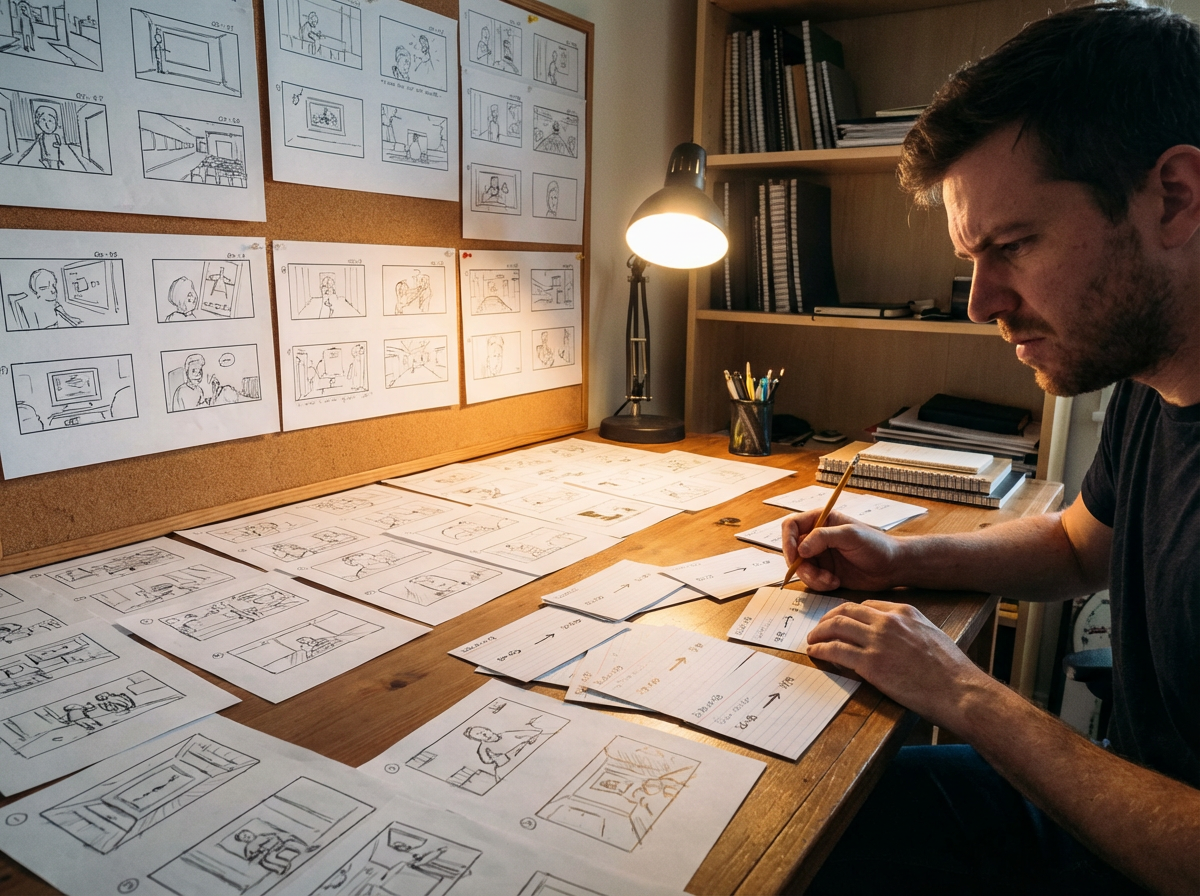
From page
A 4-panel joke, fight beat or webtoon scroll can become a short clip with pacing that follows the original layout.
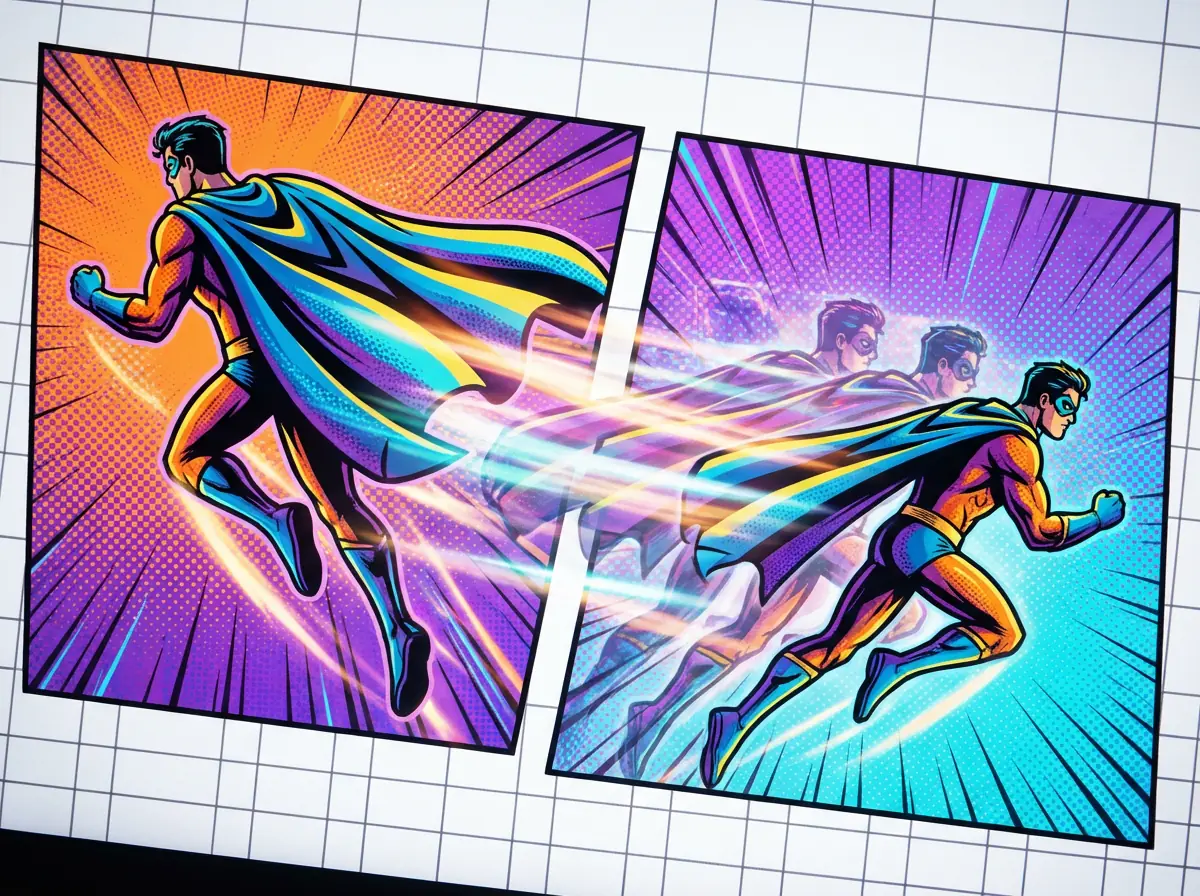
To motion
Use push-ins, pans, impact frames and transitions to make static panels feel alive while preserving the drawn composition.
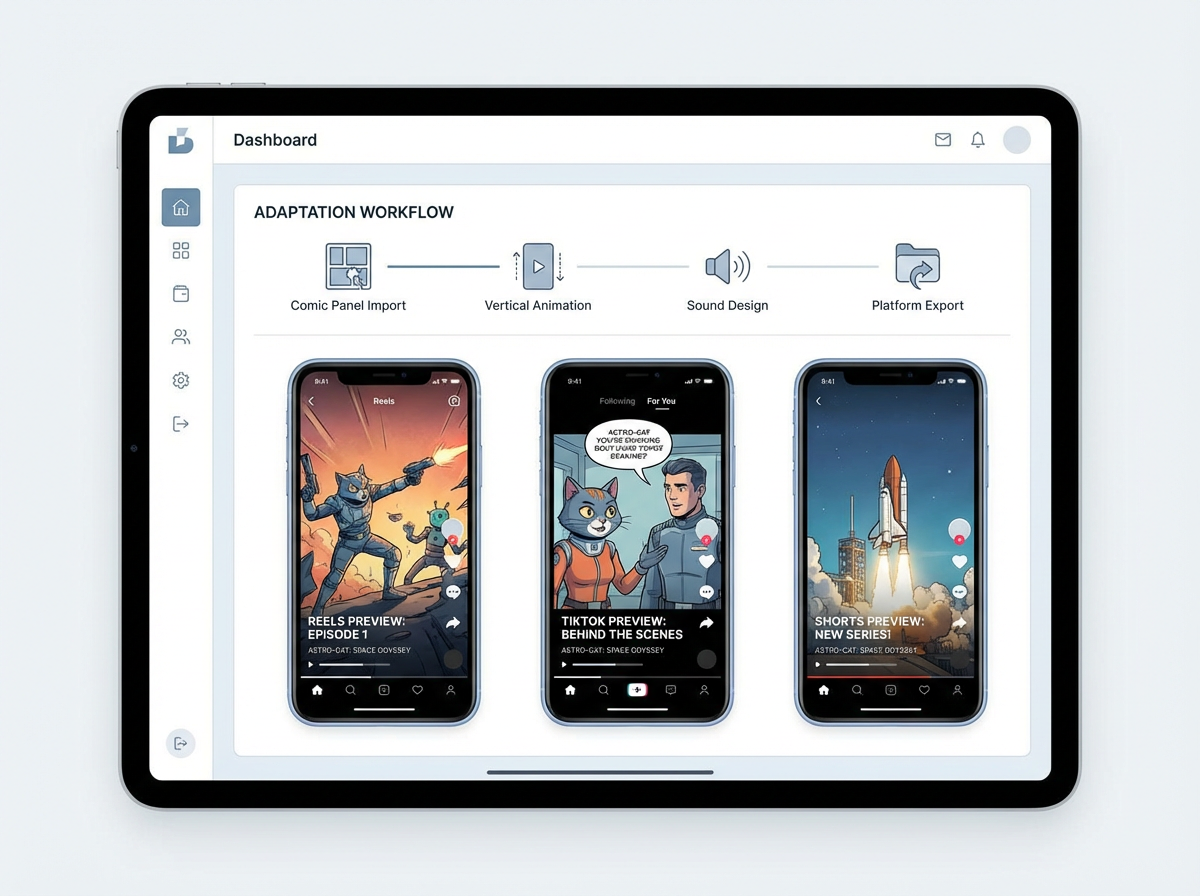
To publish
Create a vertical teaser, a scene preview or a pitch draft without manually recreating the entire comic in editing software.
Motion example gallery
A comic-to-video page needs to prove finished motion quality, not just describe it. These gallery cases are built around completed comic panels and the commercial outputs creators actually pay for: teasers, launch hooks, pitch previews and short-form clips.

Monica
Animate this 4-panel comic about a robot discovering friendship. Keep the panel order, add gentle camera pushes, time the speech bubbles and export a 9:16 teaser for YouTube Shorts.
Creator workflow
A creator with a finished short episode can turn the strongest sequence into a motion teaser before publishing the full comic.
Upload a finished panel sequence with speech bubbles, action beats and a clear reading order.
Ask for a vertical teaser with dramatic push-ins, speech timing and a final title frame.
Export a short animated preview that can be posted as a launch hook or used in a pitch deck.
Creator ROI
The value is not just a new video file. It's about turning finished panels into reusable promotional assets without opening a separate animation production process.
Replaces manual cropping, timing, motion planning, editing and export setup.
Useful for social teasers, pitch previews and motion storyboard drafts.
Keeps your original comic panels as the creative source of truth.


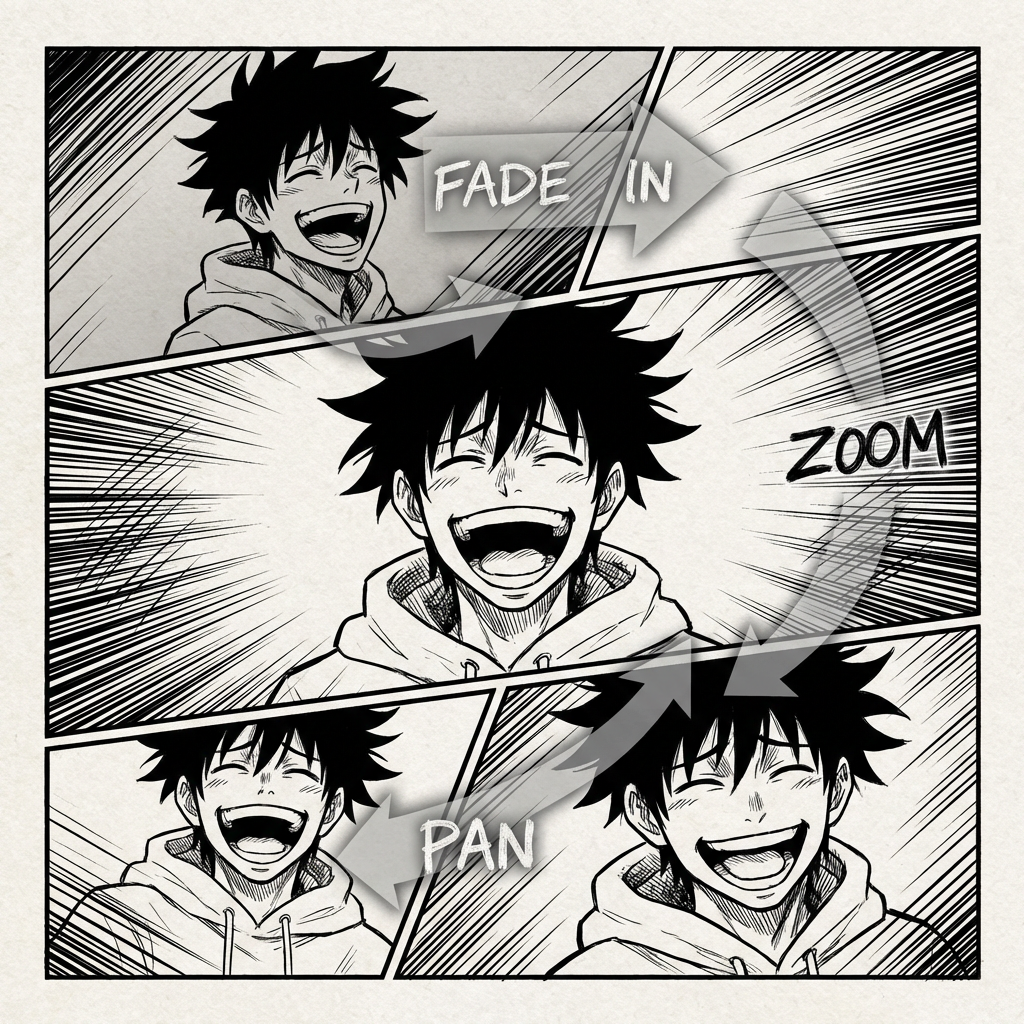

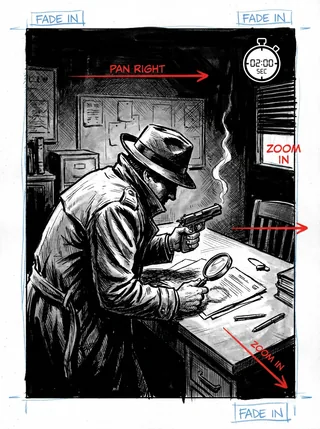
THE FUTURE OF COMIC ANIMATION
Comic to Video is built for creators who already have the story on the page. It reads panel order, preserves scene continuity and helps you turn static comic layouts into animated clips without rebuilding the whole sequence from scratch.
THE OLD ANIMATION WORKFLOW
Moving from comic panels to animation usually means rebuilding shots, timing dialogue and re-editing the story for motion. That workflow is slow and often breaks the rhythm you've already established on the page.
Your story flows perfectly on the page, but translating it into motion, pacing, camera angles and transitions can become a complex puzzle.
Every motion clip needs the hero to feel like the same hero from panel to panel, even as the camera moves and the scene changes.
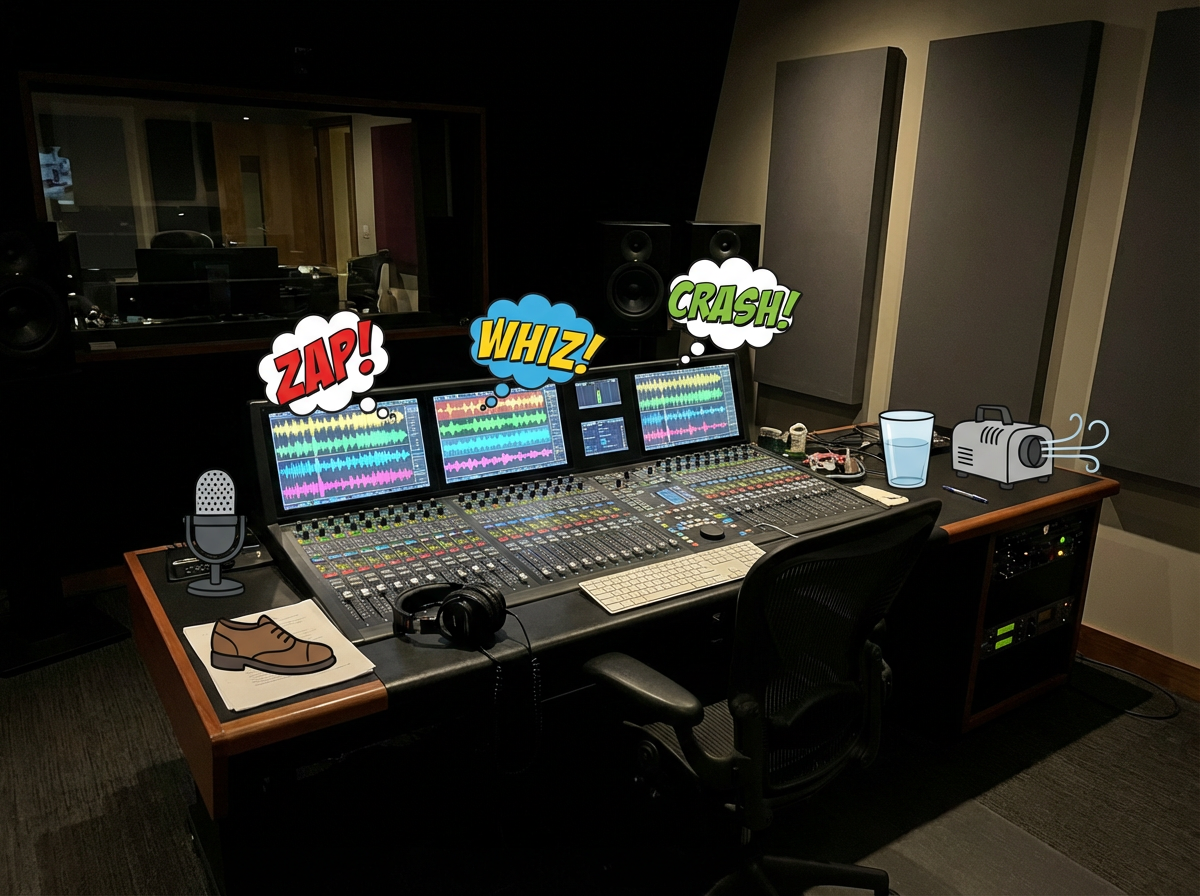
Music, effects and voices need to match the comic's tone, dialogue rhythm and scene changes.
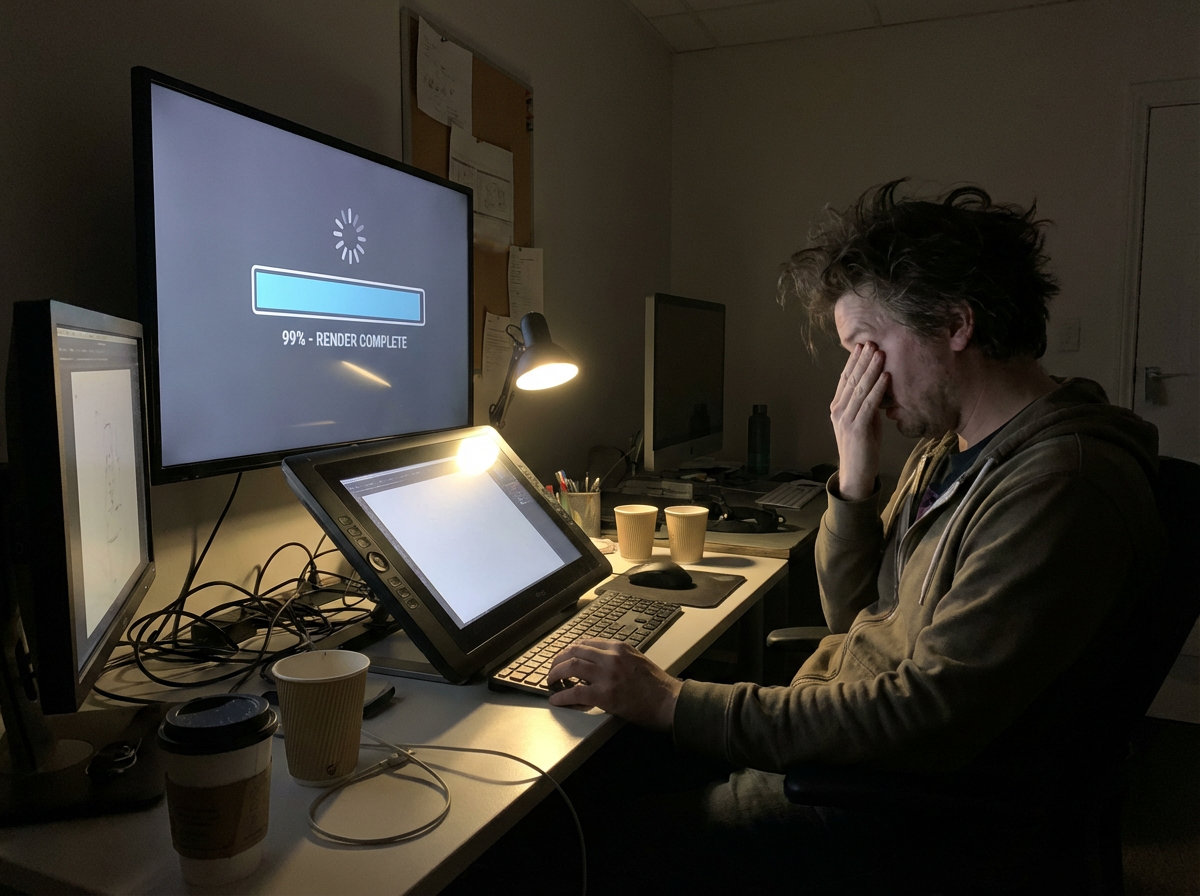
You wait for exports, spot a timing issue, then repeat the editing loop before the clip is ready to share.
A finished animation still has to be resized and re-edited for TikTok, YouTube Shorts, Reels and pitch decks.
What if your comic panels already contained the video blueprint?
|Bringing your comic to life
has always been the dream.
Now the first motion draft starts with the panels.
The workflow is designed for comics first: read the panel sequence, preserve continuity, add motion and export a clip that still feels like the original story.
The workflow reads the uploaded page or panel sequence, identifies order, characters, dialogue and scene changes, then builds the video plan from the comic structure itself.
It creates motion and transitions between panels so the clip feels animated while still following the story beats already defined in the comic.
Dialogue cues, sound effects and background music can be planned around speech bubbles and scene rhythm.
The system edits the sequence into a coherent short-form story clip, balancing panel pacing, transitions and scene emphasis.
Export animated story clips for previews, social posting, pitching or further editing in a larger video workflow.
Free Comic to Video AI
Upload comic strips, manga pages, manhwa scenes or webtoon panels and turn them into AI motion videos for TikTok, YouTube Shorts, pitch decks and creator promos.
Convert panel-by-panel stories into animated scenes while preserving dialogue rhythm and character continuity.
Upload sequential panels with speech bubbles and scene order.
Set camera movement, transition pace, and dialogue timing for each panel.
Generate shareable animated previews for social, pitch decks, or production drafts.
Practical answers for turning comic pages, manga panels and webtoon scenes into animated videos.
Recommended Pages
Explore new SEO pages for YouTube Shorts, UGC ads, story-to-video workflows, voiceover videos, history explainers, ancient history, and war documentaries.
Create short-form vertical videos with AI hooks, voiceover, visuals, and caption-ready pacing.
Build creator-style ad videos with product storytelling, mobile-first pacing, and faster testing loops.
Turn historical topics into documentary-style explainers with scripts, visuals, narration, and captions.
Create Roman history, empire, and ancient civilization videos with more cinematic educational storytelling.
Generate battle breakdowns, military explainers, and war documentary videos with narration-led structure.
Convert written stories, outlines, and hooks into scene-based videos with stronger narrative continuity.
Create narration-first videos with AI voiceover, visuals, captions, and polished pacing for multiple formats.