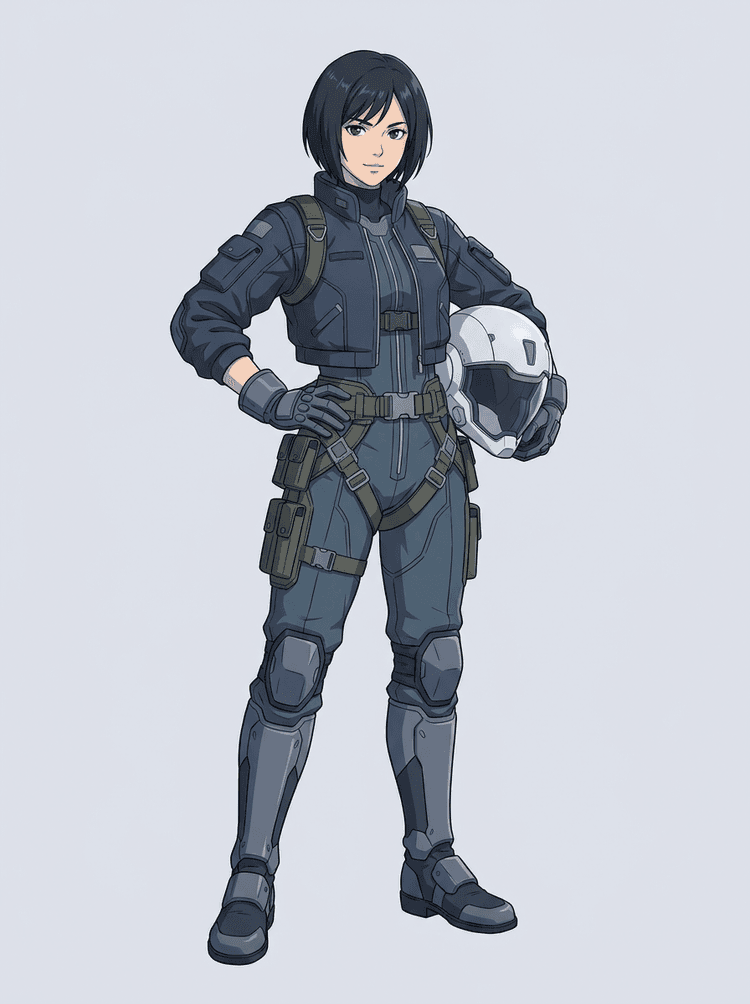
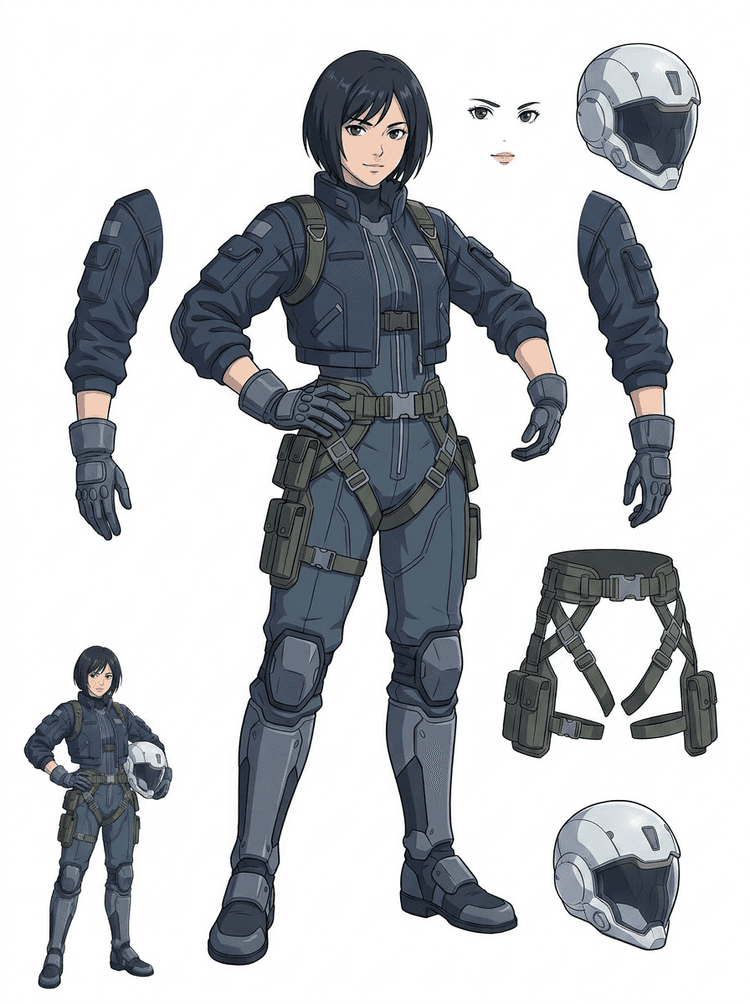
What is AI Layer Splitter?
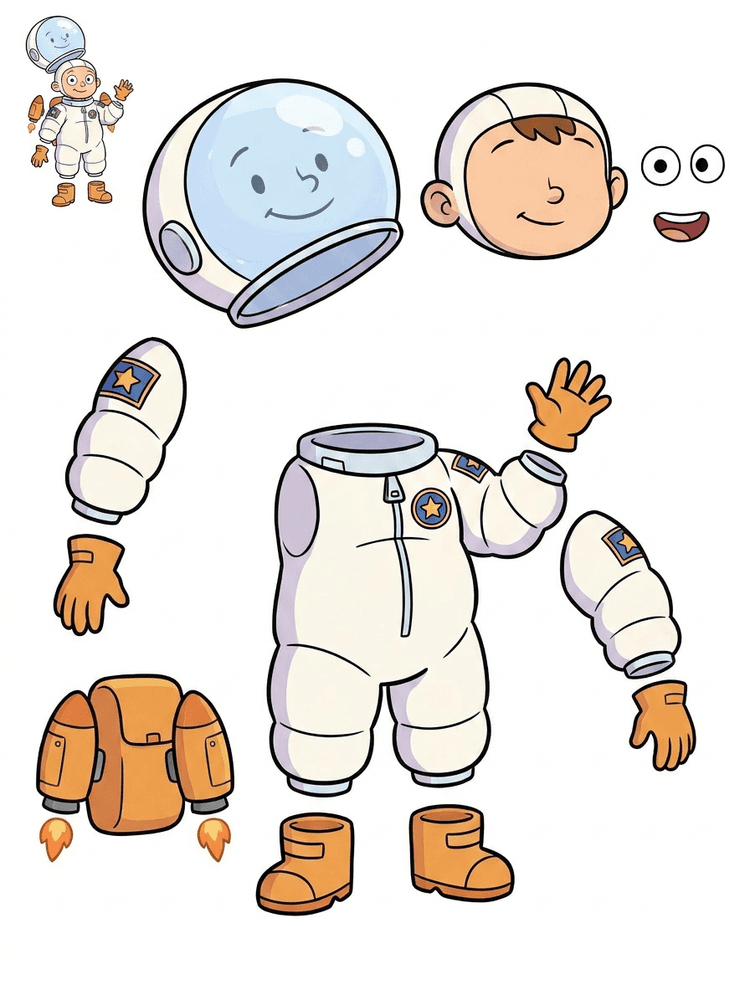
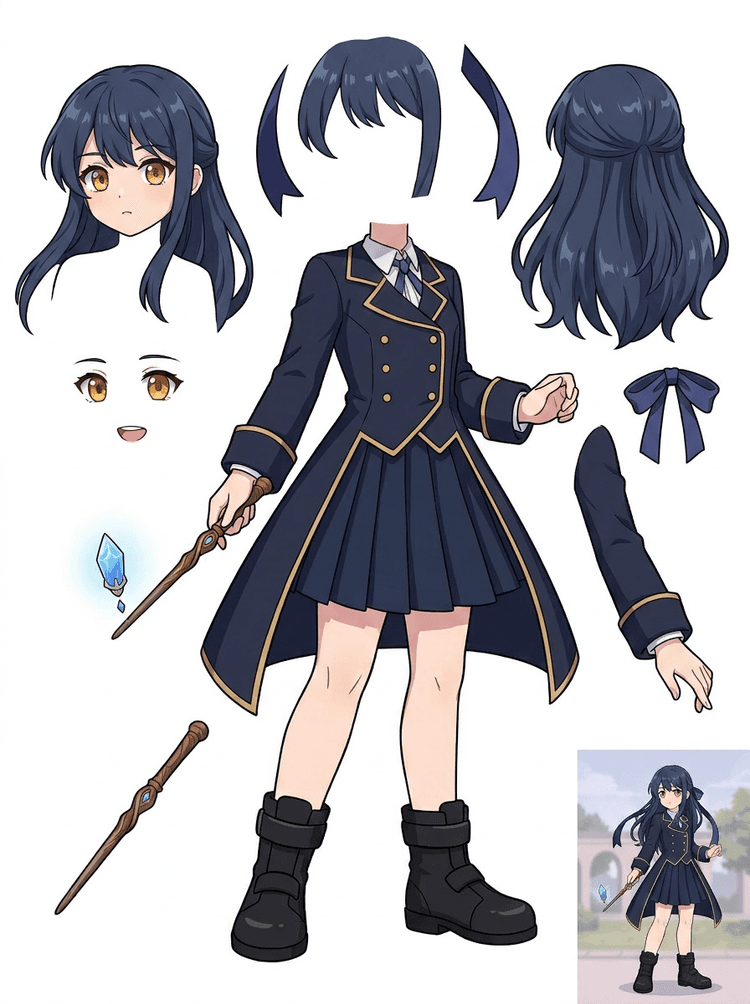
AI Layer Splitter turns a single flat image into a clear asset sheet with visible character parts separated for animation, game art, motion comics, and editing workflows.
What images work best?
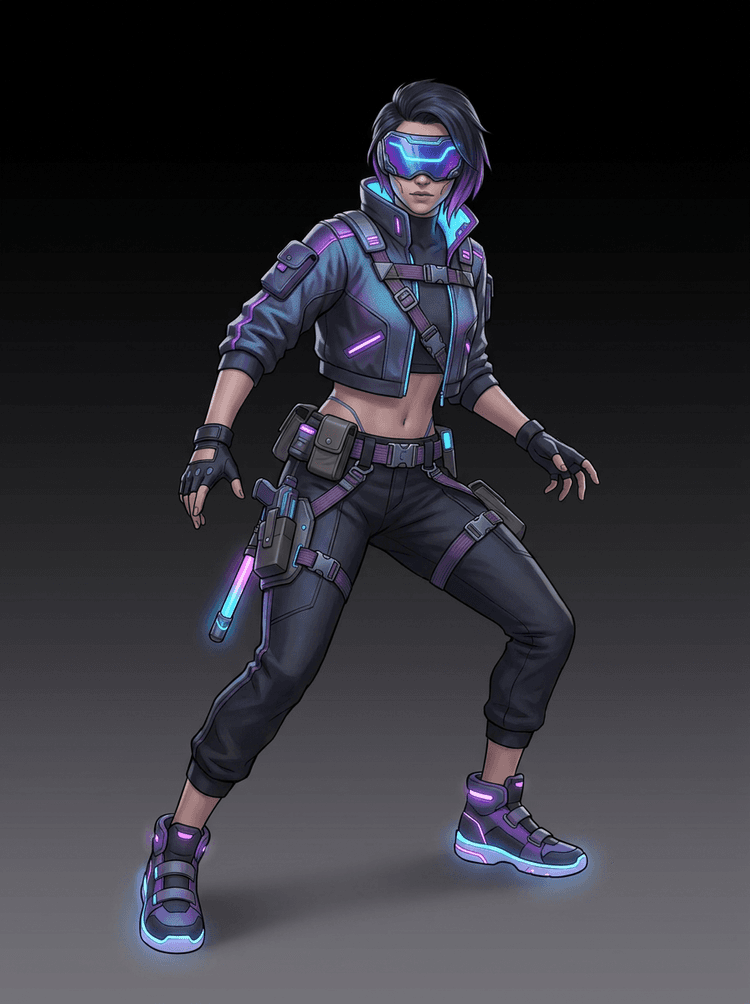
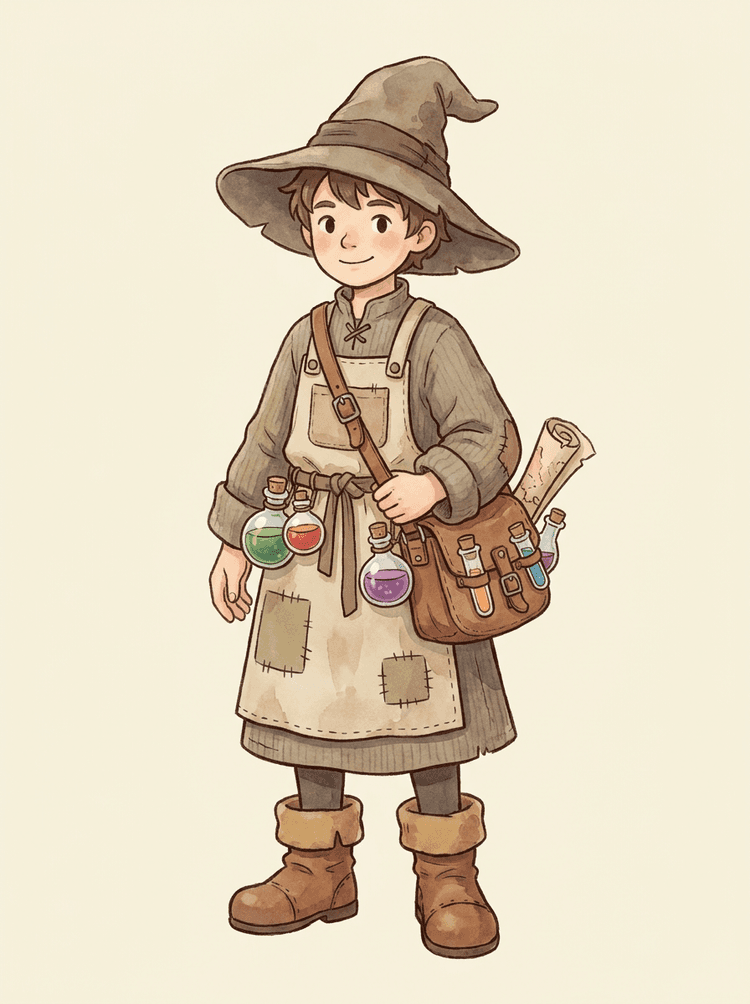
Clean illustrated subjects work best: cartoon mascots, anime characters, game characters, props, and full-body designs with visible hair, clothing, limbs, shoes, weapons, bags, tails, or accessories.
Can I use it for cartoon characters?
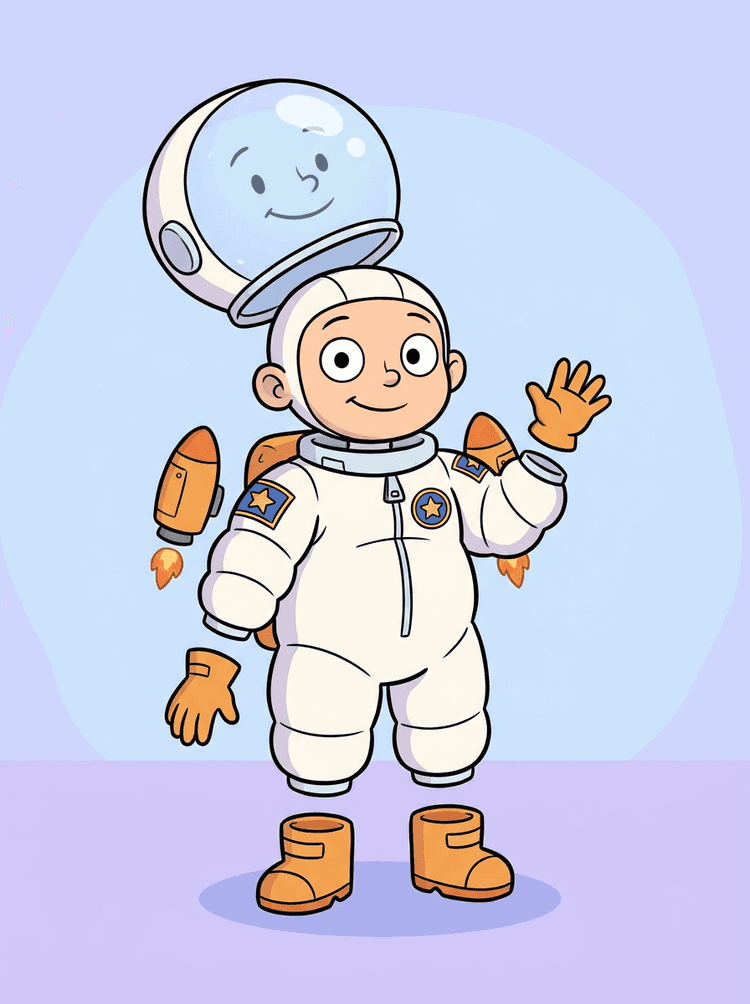
Yes. Cartoon characters and mascots are one of the strongest use cases because the outlines, props, clothing, hands, shoes, and facial parts are often clear enough to become a useful sheet.
Can I use it for game characters and sprites?
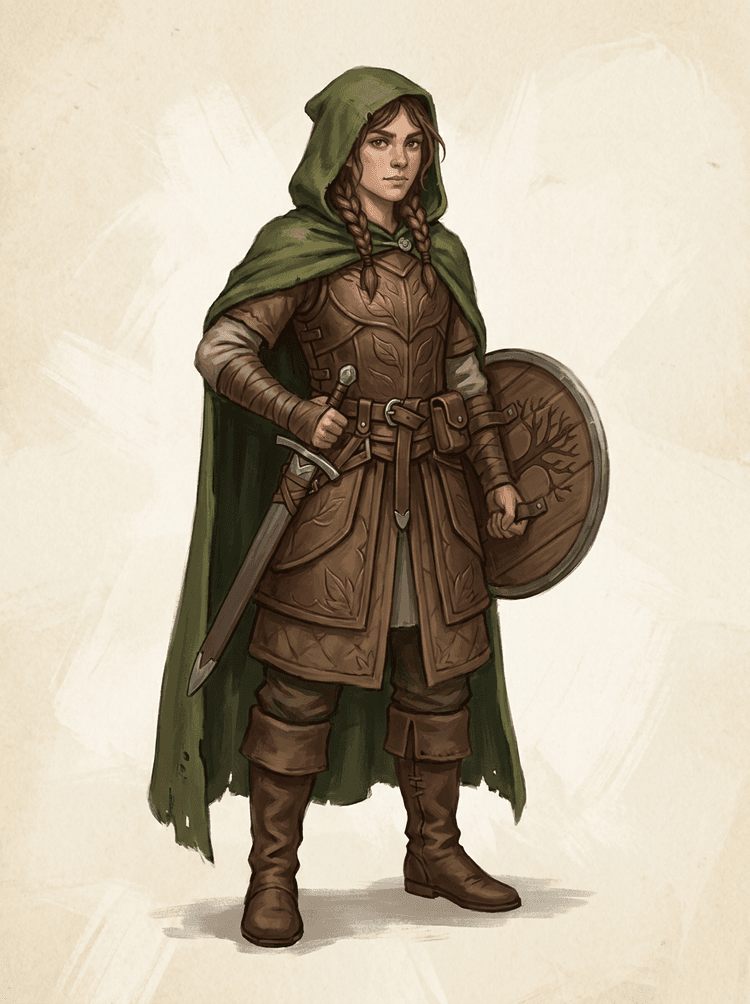
Yes. Game teams can use the generated sheet as a starting point for sprite references, pose variants, inventory icons, equipment edits, UI portraits, and animation blocking.
Can I use it for anime characters?
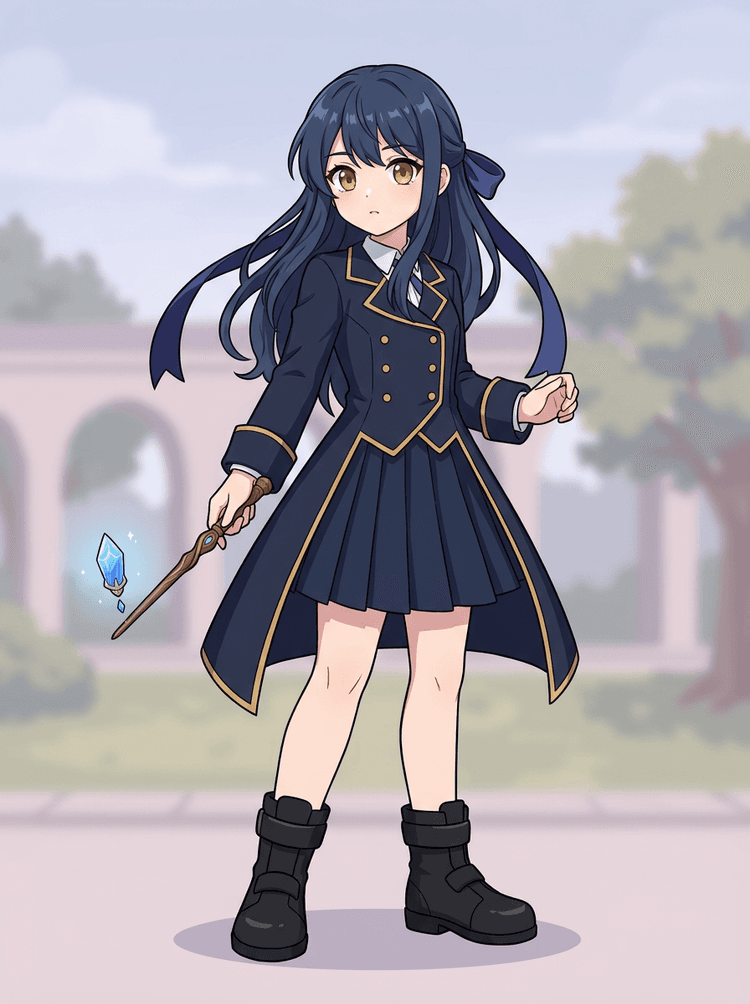
Yes. Anime-style characters can be split into visible hair, face, outfit, ribbon, glove, boot, prop, helmet, and accessory references when the source image is clean.
What is the difference between Quick Mode and PRO Mode?
Quick Mode creates a fast, reviewable asset sheet. PRO Mode uses an upgraded model for cleaner separation when the source image is clear and the project needs a higher-quality pass.
Will every image split perfectly?
No. Very crowded scenes, hidden body parts, overlapping subjects, sketch marks, heavy shadows, cropped limbs, or tiny accessories may still need source clean-up or manual finishing.
Can I use the result commercially?
You can use generated outputs according to your LlamaGen plan and terms. Make sure you also have the rights to the source image you upload.
Can I use it for game characters and sprites?
Yes. AI Layer Splitter for game assets can turn clean character concepts into a starting point for sprite references, pose variants, inventory icons, equipment edits, UI portraits, and animation blocking.
Can I use it for anime characters?
Yes. Anime-style characters can be split into visible hair, face, outfit, ribbon, glove, boot, prop, helmet, and accessory references when the source image is clean.
What is the difference between Quick Mode and PRO Mode?
Quick Mode creates a fast reviewable asset sheet. PRO Mode uses an upgraded model for cleaner separation when the source image is readable and the project needs a higher-quality pass.
Will every image split perfectly?
No. Very crowded scenes, hidden body parts, overlapping subjects, sketch marks, heavy shadows, cropped limbs, or tiny accessories may still need source cleanup or manual finishing.
Can I use the result commercially?
You can use generated outputs according to your LlamaGen plan and terms. Make sure you also have the rights to the source image you upload.